Workflow automation ROI calculator
Enter how often a workflow runs, how long it takes and how often it goes wrong, and see the payback of automating it.
Free, runs in your browser, no sign-up. Updated 2026-10-25.
Result
Saves 210 hours and $8,780 net a month. Pays back in 3.4 months; net $286,000 over 3 years. With the saving 25% lower: 4.6 months.
- Hours saved / month
- 210
- Time saving / month
- $7,350
- Net saving / month
- $8,780
- ROI over 3 years
- 701%
- Errors avoided / month
- 28.8
- Error saving / month
- $1,728
| Case | Net / month | Payback | Net over 3 years |
|---|---|---|---|
| Saving 25% lower | $6,510 | 4.6 months | $204,300 |
| Expected | $8,780 | 3.4 months | $286,000 |
| Saving 25% higher | $11,050 | 2.7 months | $367,700 |
The defaults are example inputs, not benchmarks. Replace them with your own numbers.
Assumptions
Every number the result depends on, and where it comes from. Change any value and the result updates.
| Assumption | Value | Source |
|---|---|---|
| Horizon | months | OceanLab assumption. Three years, a common planning horizon for internal software.Reviewed 2026-10-25 |
| Sensitivity range | 25 % | OceanLab assumption. The saving is shown 25% lower and higher, because time saved is the least certain input.Reviewed 2026-10-25 |
Send this estimate to OceanLab
Opens an email to OceanLab with this result and a link to your inputs. Nothing is sent until you press send, and there is no sign-up.
How this is calculated
Hours saved per month = runs × minutes per run × share automated ÷ 60.
Error saving per month = runs × error rate × errors removed × cost per error.
Net monthly saving = hours saved × loaded hourly cost + error saving − running cost. Payback = build cost ÷ net monthly saving.
The sensitivity row repeats the result with the saving 25% lower and higher. The defaults are example inputs, not benchmarks.
Questions about this tool
Should I count error savings?
Yes, if errors cost you money: rework, refunds, late fees or penalties. Leave the cost per error at 0 if you cannot put a number on it.
Why not automate 100%?
Most workflows keep exceptions and checks that people handle. Measure the share on a pilot.
How is this different from the AI automation ROI calculator?
That one looks at one task done by AI. This one adds error costs and a sensitivity row for any automated workflow, AI or not.
Is anything I enter sent anywhere?
No. The tool runs in your browser and there is no sign-up. Nothing leaves the page unless you choose to email your result to OceanLab.
Other free tools
OceanLab product builds like this
Products OceanLab designed and built. Each case study covers the screens, the scope and the rules it was built for.
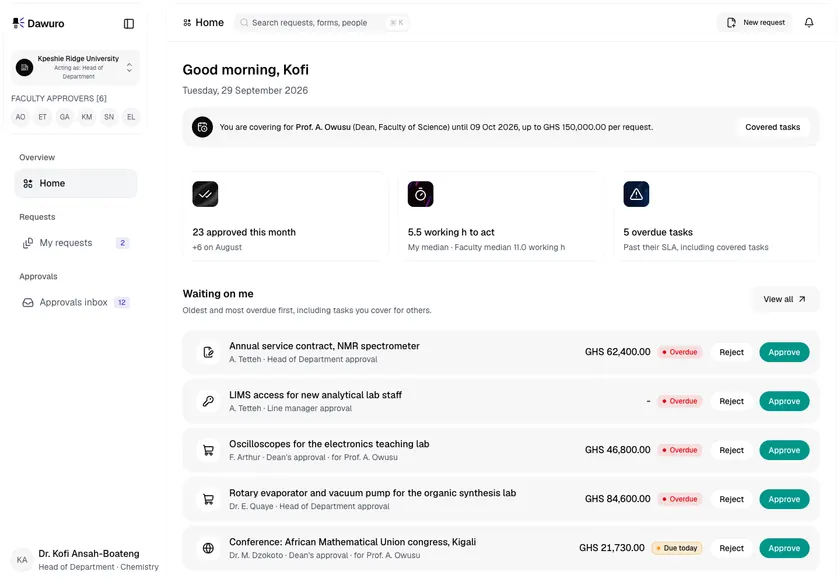
Dawuro - Approval Workflow Engine for a Ghanaian Public University
Designed and built a clickable approval workflow engine for a public university in Accra: request forms routed by amount, cost centre and the department hierarchy, an approvals inbox and two-tap decision screen designed phone first, delegation and out-of-office cover, and a route and history on every request that shows who approved what, and when.
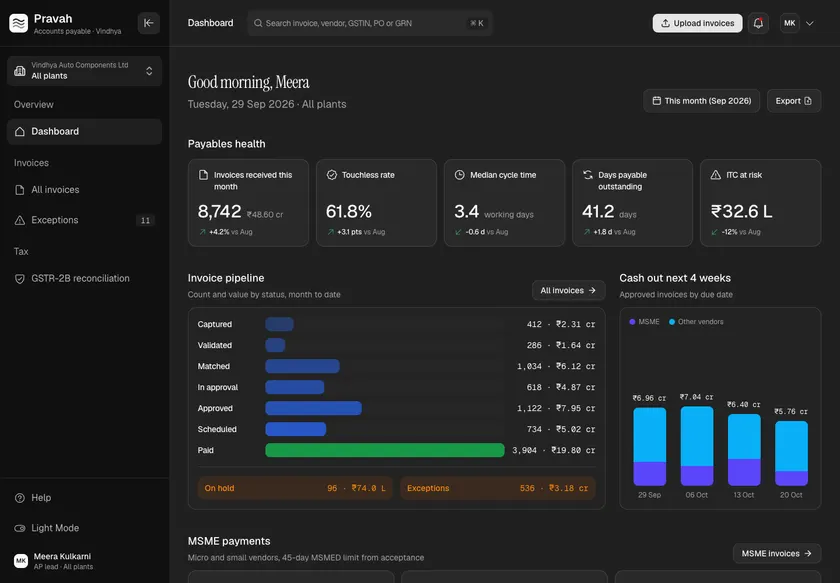
Pravah - Accounts Payable Automation with GST, TDS and MSME Rules Built In
Designed and built a clickable accounts payable platform for an Indian auto components maker with four plants and a GSTIN in each state: invoice capture with field confidence, three-way matching against POs and goods receipts, GST and TDS per invoice, MSME due dates from the acceptance date, an exceptions queue and GSTR-2B reconciliation.
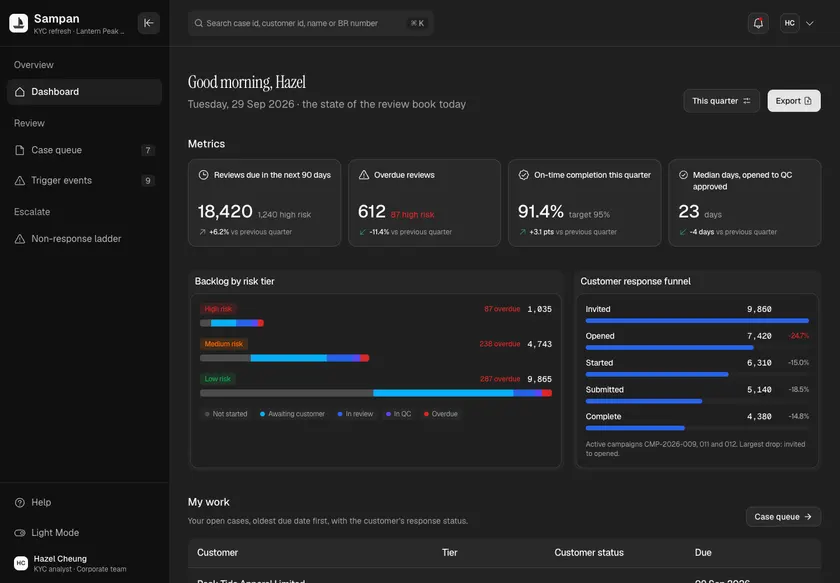
Sampan - KYC Refresh Platform for Periodic and Trigger Reviews
Designed and built a clickable KYC refresh platform for a Hong Kong bank's existing customers: periodic reviews by risk tier, reviews opened by trigger events, pre-filled case files that show what changed, risk re-rating and a fair, documented ladder for customers who do not respond.
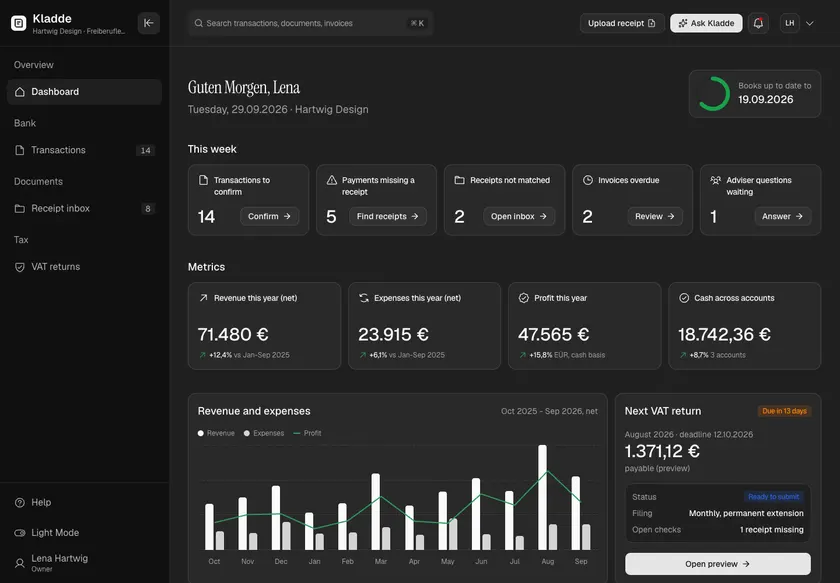
Kladde - AI Bookkeeping for German Freelancers and Small Firms
Designed and built a clickable AI bookkeeping product for German freelancers, sole traders and small GmbHs: a bank feed with a suggested booking and confidence score on every payment, a receipt inbox that validates e-invoices and checks §14 UStG fields, and a VAT advance return previewed box by box and submitted through ELSTER.
