Found It - Lost Property Console for a City Transit Network
Lost and Found Network for a Vienna Transit Authority
Designed and built a clickable lost property console for a Vienna transit authority and its partner venues: log and track every found item through a full custody chain, review AI-suggested matches against passengers' lost reports with a clerk always deciding, and keep valuables and official documents on their own controlled routes.
Most of our work is under NDA. Per agreement, we can share the work but not the company details - all names and identifying information shown here have been changed.
Impact
Dashboard, found items, found item detail with Matches, Custody and Activity tabs, the matching queue and match review. Every one of the 26 demo items and 22 match candidates opens its own page.
Category, colour, brand, contents, image, description, place and time window, each marked match, close or conflict with its weight. Candidates fall into Strong (80 and above), Possible (50 to 79) and Weak bands.
Phones, wallets, cash and documents travel in numbered tamper-evident bags. The custody chain names both people on each seal, and a bag sealed by one person in the field is flagged for a recount at the office.
26 found items across metro, tram, bus and 3 partner venues, 19 lost reports in German and English, 22 match candidates and 10 staff users.
The Problem
WVB's lost property ran on paper tags, a shared spreadsheet and a phone line. Items reached the central office in unlabelled crates and were typed in days later, a keyword search for "black backpack" returned hundreds of rows, cash was counted by one person with no seal, and the partner venues kept their own boxes. About a third of reported items WVB actually held were never matched to their owner.
Our Solution
Found It follows a lost item from the moment staff log it to the day it goes back to its owner or is passed on under the rules. Every bag carries a QR label and a custody chain, the AI proposes matches between found items and lost reports with a confidence score and its reasons, and a clerk decides each one before the passenger hears anything.
The Challenge: Reuniting Owners Across a Whole Network
WVB runs metro, tram and bus lines carrying about 1.4 million trips a day, with two stadiums and a convention centre on the same network. Items are found everywhere, by people with different jobs, and many of them are valuable, personal or official.
Matching by Keyword Fails
Thousands of stored items look alike. A useful match has to weigh category, colour, brand, contents, photos, the line and direction, and the time window together, and still leave the decision to a clerk.
Custody From Vehicle to Counter
An item passes from a driver or station to a depot drop box, a transport run and the central office before it is stored. Without a chain of who held it, where and when, items and seals went missing between steps.
Proving Who the Owner Is
Anyone can claim a black phone. Clerks need details only the owner would know, such as a lock screen image or a sticker, kept back from passengers, and official documents such as identity cards must go to the competent authority rather than be released on a claim.
Personal Data and Austrian Rules
Owner and finder contact details, ID checks and item photos fall under the GDPR and the Austrian DSG. Found property follows the ABGB, and how long WVB keeps an item before it goes to the city is set by its agreement with the city, so nothing can be hard-coded.
Our Approach: From Found Property Rules to a Clickable Console
Spec and Rules Research
Mapped 10 roles from drivers and venue staff to clerks, the valuables custodian, the data protection officer and passengers, 45 screens across the office console, staff app and public pages, and the data model for found items, custody events, seals, lost reports, match candidates, claims, handovers and retention rules. Wrote down the rules the design follows: ABGB found property, authority routes for official documents, the GDPR and DSG, and WCAG 2.1 AA for the public pages.
Clickable Demo on a Production UI Kit
Built 5 key office screens on a production dashboard kit: the dashboard with KPIs, a pipeline from in transit to returned with stages over target age in amber, and role-based My work; found items with filters, bulk actions and a table or network map view; found item detail with hidden details and the custody chain; the matching queue by confidence band; and match review with candidate compare. Actions run on local state.
What a Production Build Adds
The GTFS network feed and the AVL system for which vehicle ran which trip, image and text matching on infrastructure WVB controls, Zebra QR label printers, Stripe or Adyen with eps for fees, Österreichische Post or DPD for courier returns, email magic link sign-in with optional ID Austria, and Postmark, Twilio and DeepL. Staff auth by role, a full audit log, and the remaining screens: storage, valuables safe, claims, handover desk, retention, the staff app and the public pages.
Why It Works: The AI Suggests, a Clerk Decides
Every Score Shows Its Reasons
Match review puts the lost report and the found item side by side with each factor marked match, close or conflict and the points it added. The panel says "The score is a suggestion. You decide." and the model version is shown on every candidate.
One Item, One Owner
Other candidates for the same report and the same item sit below the review, and an item that already has a confirmed candidate cannot be confirmed for a second owner. Confirming reserves the item and supersedes the rest.
Hidden Details Test the Claimant
Details kept back from passengers, such as a lock screen image or a name inside, stay masked until a clerk reveals them, and each reveal is logged. On confirm, the clerk picks which ones to send as ownership questions.
Actions Follow the Rules
Start handover only works once an item is ready for handover, Dispose only once it is past retention, and identity documents go to an authority handover instead of a release. Each item's retention date comes from a client policy rule for its category.
Related case studies
View all: Mobility & EV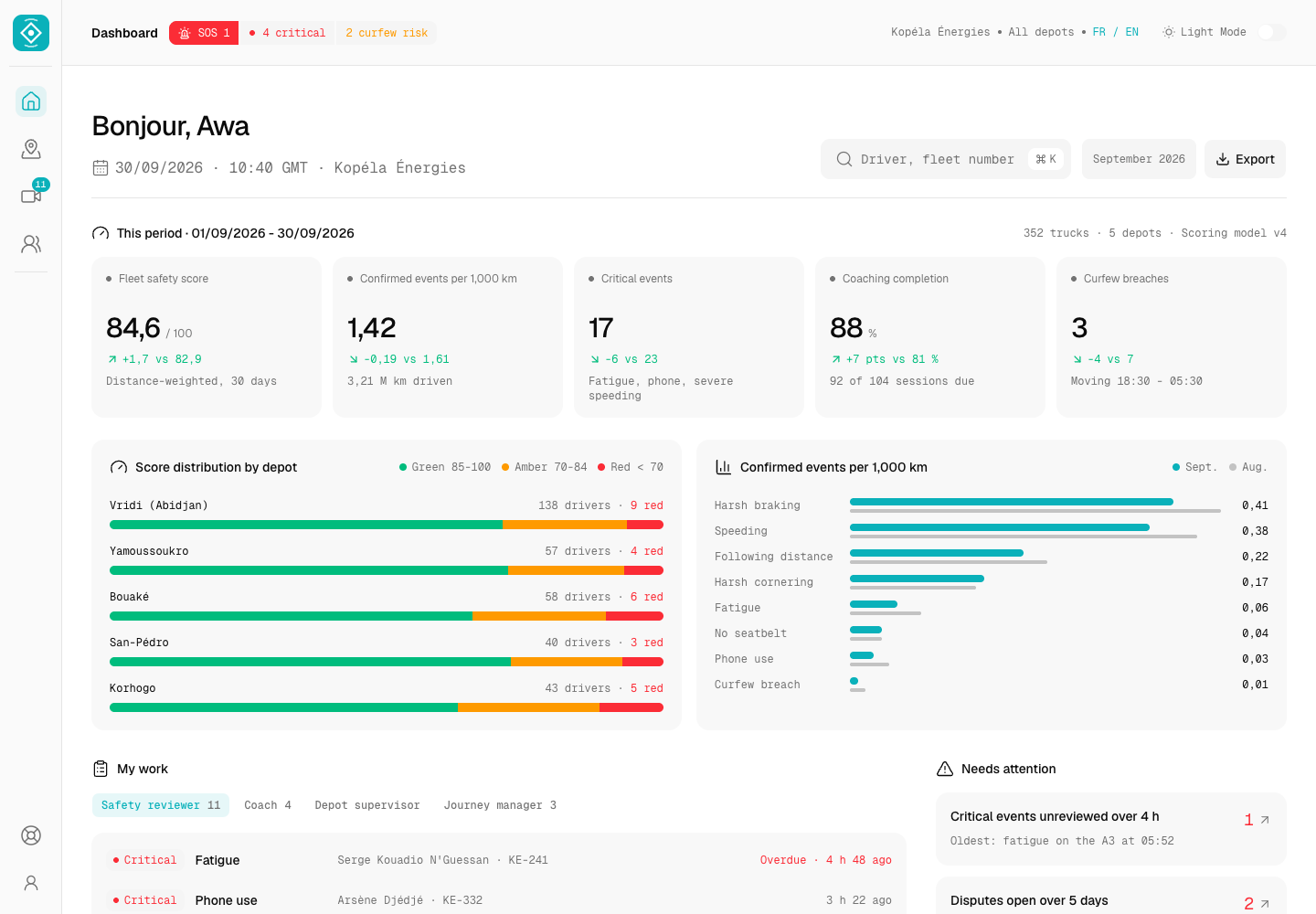
Balise - Driver Safety Telematics for a Dangerous Goods Tanker Fleet
Designed and built a clickable driver safety console for a fuel and LPG distributor running about 350 tanker and delivery trucks across Côte d'Ivoire: explained driver scores, a review queue for telematics and AI dashcam events, a live map with curfew and SOS alerts, and coaching built on evidence drivers can see and dispute.

DriveLuxe - All-Electric Premium Ride-Hailing for Hong Kong
Built a rider mobile app for an all-electric premium ride-hailing service - live EV map, charge-aware vehicle selection, real-time booking, and trip-completion CO₂ accounting - shipped from clickable AI prototype to App Store in 10 weeks.
Enterprise Software Engineering - Human + AI
Contact Us
© 2026 - Copyright. All Rights reserved Oceanlab
Location
Global Headquarters
21 Merchant Road, 3rd Floor, Singapore 058267
Main corporate office and leadership operations
North America Office
548 Market Street, PMB 12345, San Francisco, CA 94104
Client operations and business development
India Office
402 Shivalik Shilp II, SG Highway, Ahmedabad 380015
Engineering and delivery center

Enterprise Software Engineering - Human + AI
Contact Us
Locations
Global Headquarters
21 Merchant Road, 3rd Floor, Singapore 058267
Main corporate office and leadership operations
North America Office
548 Market Street, PMB 12345, San Francisco, CA 94104
Client operations and business development
India Office
402 Shivalik Shilp II, SG Highway, Ahmedabad 380015
Engineering and delivery center
© 2026 - Copyright. All Rights reserved Oceanlab