Cahow - Tamper-Evident Audit Log and Viewer for a Bermuda Reinsurer
Central Audit Log for a Bermuda Reinsurer
Designed and built a clickable audit log viewer for a Bermuda property and casualty reinsurer: every internal system sends its events to one hash-chained store, and compliance, security, internal audit and legal search them, follow a person or a record, triage unusual behaviour and prove nothing was changed.
Most of our work is under NDA. Per agreement, we can share the work but not the company details - all names and identifying information shown here have been changed.
Impact
Dashboard, search with an event quick view, event detail with 5 tabs and a chain proof panel, the alert list and alert detail with investigation notes, escalation and close.
Each event shows its chain, sequence number, its own hash, the previous event's hash and the hourly checkpoint that covers it. The top bar always shows the result of the last chain verification.
Mass export, leaver activity, off-hours admin, denied burst, log access anomaly, source silence, new privileged grant, break-glass use and dormant account. Each alert states its condition, threshold and observed value.
Treaty admin, claims, the general ledger, HR, Entra ID, Microsoft 365, AWS CloudTrail and more, with 28 events, 11 actors with HR data, 14 alerts across all 5 statuses, 2 legal holds and 9 staff users.
The Problem
Coralstone Re's audit trail lived in 14 places, each system with its own history table, format and retention, and two of them let a database administrator edit rows. Answering a BMA question about who changed the reserving assumptions on a catastrophe treaty took internal audit three weeks and still had a gap, and a departing claims manager's export of 40,000 claimant records went unnoticed for a month.
Our Solution
Cahow takes audit events from every internal system in one standard shape: who, what, which record, the values before and after, the reason, the source IP and the request id. It stores them in a hash-chained, write-once log and gives compliance, security, internal audit and legal one place to search, investigate alerts, place holds and prove the record is complete. Every look at the log is itself logged.
The Challenge: Proving Who Did What
The board's risk committee asked two questions: can we prove who did what, and would we know if someone did something they should not? Answering both means one record across every system that nobody, including Coralstone's own administrators, can quietly change.
Fourteen Logs, No Single Answer
Treaty administration, claims, the actuarial store, the general ledger, HR, the identity provider and in-house tools each logged differently. Some kept 90 days and some kept everything, so following one person or one record across systems meant a spreadsheet and weeks of work.
A Record Nobody Can Edit
A log that an administrator can change is not evidence. Every change or gap has to be detectable, checkpoints need independent time-stamps and storage that cannot be shortened, and the people who run the platform must not be able to read event content by default.
Personal Data in Every Change
Before and after values hold claimant names, dates of birth, salaries and bank details. Bermuda's PIPA expects that data to be used for a stated purpose, kept secure and kept no longer than needed, so investigators need the events without seeing more than they must.
Spotting the Unusual in Time
A mass export the night before someone leaves, a closed ledger period reopened on a Sunday or an admin role granted by the person receiving it all look like ordinary activity in a system's own history. They have to reach a person within hours, with enough context to decide.
Our Approach: From Audit Rules to a Clickable Viewer
Spec and Rules Research
Mapped 9 user roles, from compliance analyst to an external auditor on a portal login, 31 screens and the data model for sources, events, hash chains, checkpoints, verification runs, alert rules, legal holds, retention policies, purge jobs, unmask requests and export packs. Wrote down the rules the design follows: BMA supervision under the Insurance Act 1978, the Insurance Code of Conduct and the cyber risk code, PIPA, separation of duties and a log that audits itself.
Clickable Demo on a Production UI Kit
Built 5 key screens on a production dashboard kit: the dashboard with ingestion by source, a silent-source marker and privileged activity split by business and off-hours, search with filters, histogram and quick view, event detail with the before/after diff, raw payload, integrity, holds and access tabs, the alert list with age in business hours, and alert detail with the actor's 90-day baseline. All actions run on local state.
What a Production Build Adds
Ingestion through an HTTPS API with per-source keys, Kafka or Kinesis, syslog and connectors for Microsoft 365, Okta and AWS CloudTrail. Write-once checkpoint storage such as S3 Object Lock, RFC 3161 time-stamps, HSM-backed signing keys in KMS, an OpenSearch index, Entra ID or Okta sign-in with group-based roles, SIEM forwarding, and the remaining screens: timelines, holds, export packs, retention, the auditor portal and the public pack verification page.
Why It Works: Evidence You Can Check
Proof on Every Event
The integrity tab shows the event's place in its chain and the checkpoint that covers it, and the chain proof panel walks from the event to that checkpoint with a Verify now button. The chain status pill in the top bar shows the last verification on every page and turns red when a run finds a break.
Masked Until Approved
Sensitive fields in before/after values show the masking rule's name and a lock instead of the value, with a Request unmask link. Results flag masked fields in the table, and the search screen states that masked values stay masked until a privacy officer approves.
Alerts That Show Their Working
An alert lists the events that triggered it, the actor's usual hours, systems and daily volume over 90 days, an HR leaving date if there is one and other alerts in the last 30 days. Notes cannot be edited after 15 minutes, and closing asks whether the alert was benign or confirmed, with a reason.
Watching the Watchers
A banner on every page says that activity in Cahow is recorded, and it cannot be dismissed. Searches and event views are written back to the log, each event shows who viewed it, and a user searching for their own name raises a log access alert.
Related case studies
View all: Internal tools & ops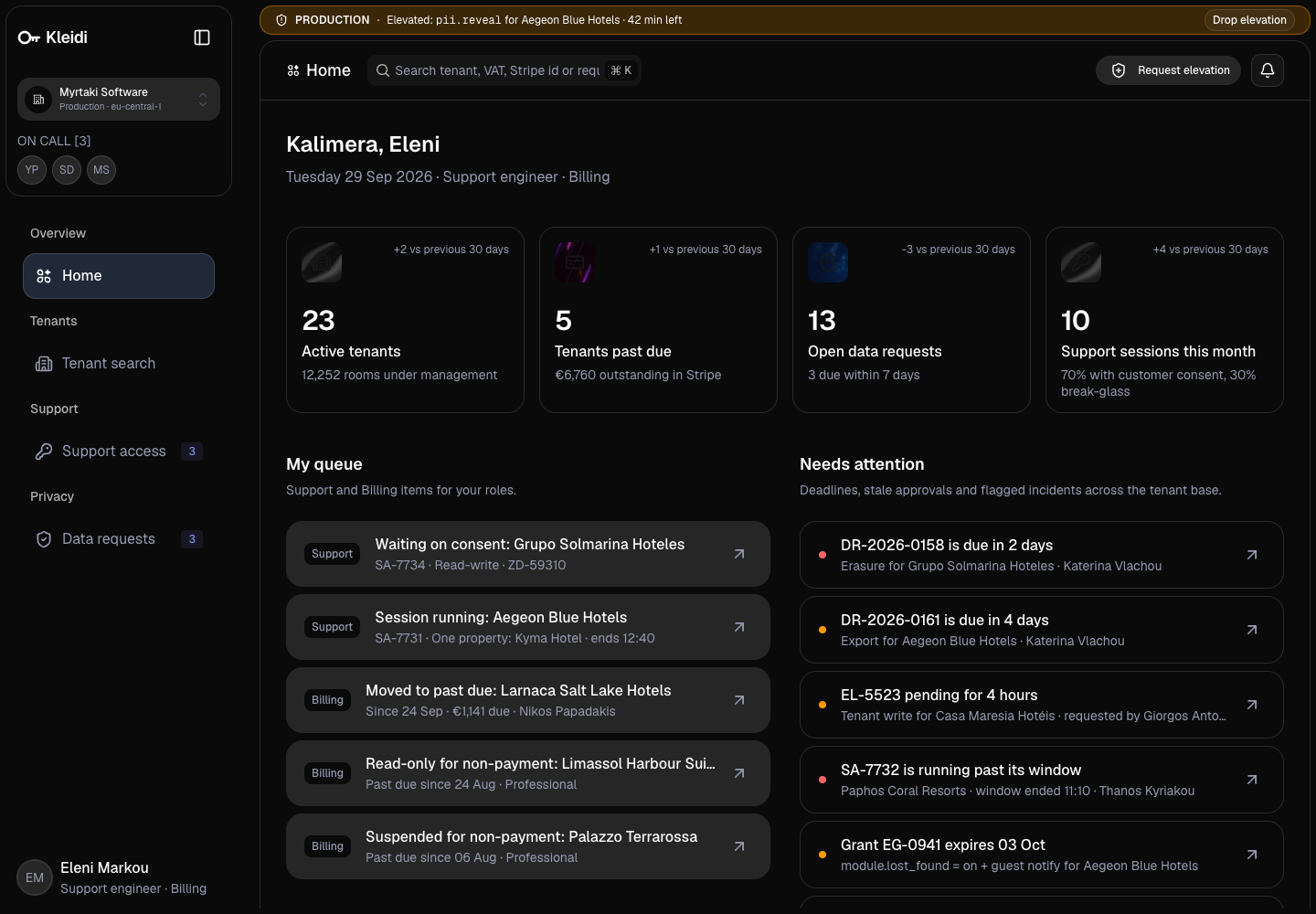
Kleidi - SaaS Admin Console with Consented Support Access and a Full Audit Trail
Designed and built a clickable internal admin console for an Athens SaaS company that sells housekeeping software to EU hotels: find any tenant and see everything about it on one page, enter a customer's workspace only with their consent, work GDPR data requests on the clock, and give staff elevated rights only for a limited window with someone else's approval.
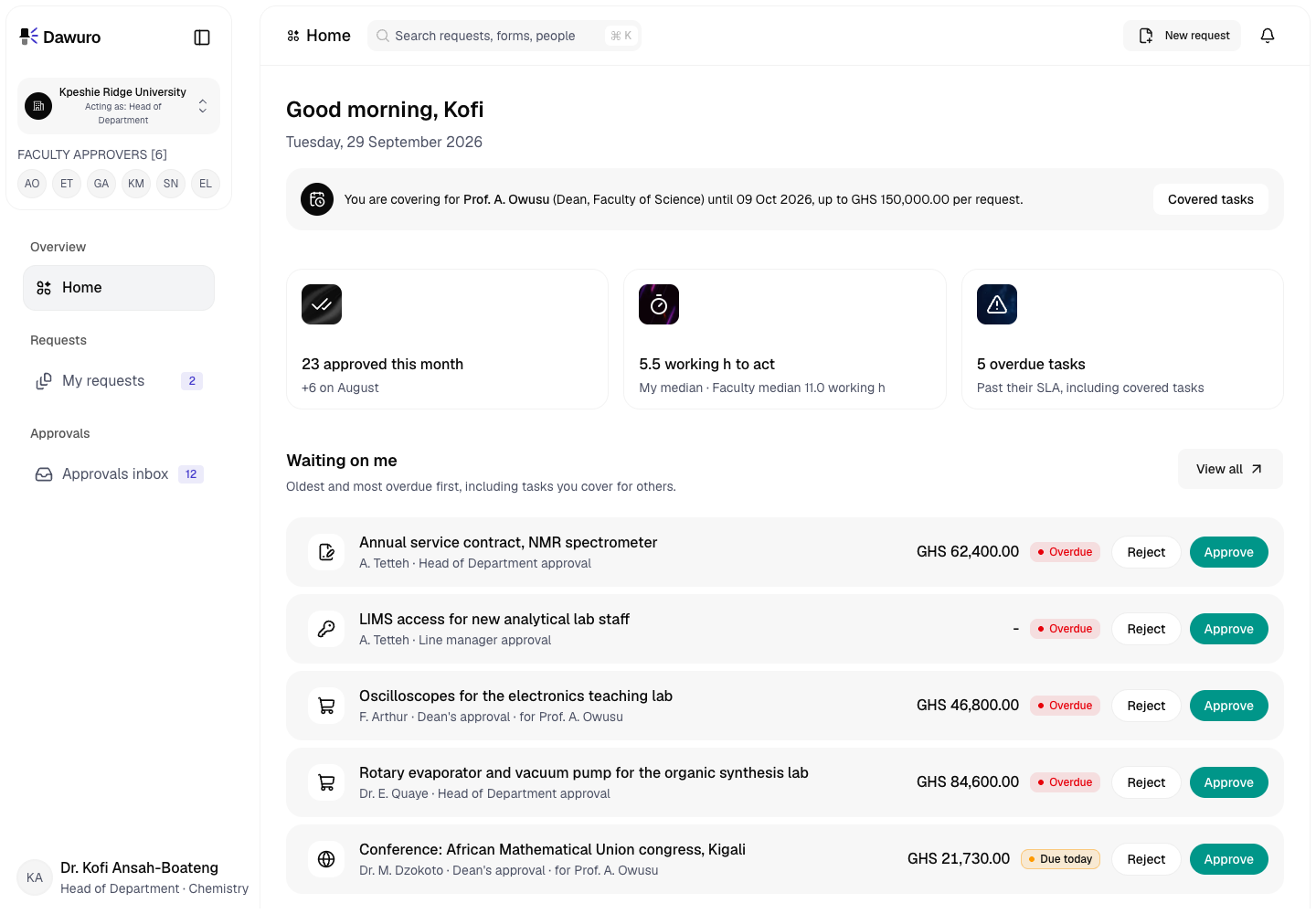
Dawuro - Approval Workflow Engine for a Ghanaian Public University
Designed and built a clickable approval workflow engine for a public university in Accra: request forms routed by amount, cost centre and the department hierarchy, an approvals inbox and two-tap decision screen designed phone first, delegation and out-of-office cover, and a route and history on every request that shows who approved what, and when.
Enterprise Software Engineering - Human + AI
Contact Us
© 2026 - Copyright. All Rights reserved Oceanlab
Location
Global Headquarters
21 Merchant Road, 3rd Floor, Singapore 058267
Main corporate office and leadership operations
North America Office
548 Market Street, PMB 12345, San Francisco, CA 94104
Client operations and business development
India Office
402 Shivalik Shilp II, SG Highway, Ahmedabad 380015
Engineering and delivery center

Enterprise Software Engineering - Human + AI
Contact Us
Locations
Global Headquarters
21 Merchant Road, 3rd Floor, Singapore 058267
Main corporate office and leadership operations
North America Office
548 Market Street, PMB 12345, San Francisco, CA 94104
Client operations and business development
India Office
402 Shivalik Shilp II, SG Highway, Ahmedabad 380015
Engineering and delivery center
© 2026 - Copyright. All Rights reserved Oceanlab