Vodilo - Digital Work Instructions That Build the Device History Record
Digital Work Instructions for a Medical Device Contract Manufacturer
Designed and built a clickable quality and supervisor console for a Bulgarian contract manufacturer of infusion pump and diagnostic analyser assemblies: a bilingual instruction library with revisions and effectivity, a live floor view of every cleanroom station, and a device history record queue that quality engineers review and release with an e-signature.
Most of our work is under NDA. Per agreement, we can share the work but not the company details - all names and identifying information shown here have been changed.
Impact
Dashboard, instruction library, floor live view, DHR review queue and DHR detail. Every one of the 24 demo DHRs opens its own step-by-step record.
4 lines in 2 cleanrooms (ISO 7 and ISO 8). Each tile shows the step and time on step against expected, amber over 150% and red over 300%, next to open help calls.
Torque retry, out-of-limit value, help call with correction, non-conformance, deviation used and data correction, each listed first and linked to its step record.
5 products for 3 OEM customers under the MDR and IVDR, 7 work orders, 24 DHRs, 24 staff users, 3 help calls, 4 non-conformances and 1 deviation.
The Problem
Srebrovo ran its two cleanrooms on printed work instructions in plastic sleeves and paper travellers filled in by hand. Quality engineers spent two to three days per batch reviewing travellers before release, about one in six had an error, old printouts sometimes stayed at a station for days after an engineering change, and OEM audits kept finding operators on instructions they were not trained on and records that could not prove which revision built which serial number.
Our Solution
Vodilo replaces paper with step-by-step instructions on cleanroom tablets that accept only valid data, so the device history record builds itself as operators work. Process engineers author and release revisions with effectivity, supervisors watch every station live, and quality engineers review each DHR with its exceptions listed first, then release it with an e-signature.
The Challenge: Proving How Every Unit Was Built
Srebrovo assembles medical device sub-assemblies for OEM customers who are the legal manufacturers. About 400 operators work three shifts on around 240 active instructions for 60 products, and revisions arrive every week.
Paper Records With Silent Errors
Torque values, lot numbers and initials were written by hand on travellers. A value outside its limits or an illegible lot number was found only at review, days later, if at all.
Revisions That Never Reached the Station
ISO 13485 requires the current revision at the point of use and a record of which revision each device was built to. With weekly engineering changes and printed copies, neither could be shown reliably.
Training That Nobody Checked
Operators could start a job on an instruction revision they had never been trained on. Nothing at the station compared the operator's certifications with the work in front of them.
Several Rulebooks Per Customer
Infusion pump work falls under the MDR and analyser work under the IVDR. US-market customers add 21 CFR Part 11 for electronic records and signatures, and each quality agreement sets its own retention period and release rules.
Our Approach: From Paper Travellers to a Clickable Console
Spec and Rules Research
Mapped 9 user roles, 40 screens across the authoring app, the quality and supervisor console and the operator station, and the data model for instructions, revisions, effectivity, step inputs, work orders, stations, DHRs, non-conformances, deviations and certifications. Wrote down the rules the design follows: ISO 13485, the MDR and IVDR, FDA's QMSR and 21 CFR Part 11, ISO 14644-1 cleanrooms, and the GDPR and Bulgaria's Personal Data Protection Act.
Clickable Demo on a Production UI Kit
Built 5 key screens of the quality and supervisor console on a production dashboard kit: the dashboard with KPIs, output by line and needs attention, the instruction library with revision status and effectivity, the floor live view with help calls, the DHR review queue with review by exception, and DHR detail with every torque, measurement, scan, photo and signature. Instruction titles switch between Bulgarian and English, and release, reject and help call actions run on local state.
What a Production Build Adds
The authoring editor, the six operator station screens and the remaining console pages. Integration with SAP S/4HANA or Dynamics 365 for work orders and lots, Windchill or Arena for change orders, MasterControl or Greenlight Guru for NCs and training, Atlas Copco or Desoutter torque controllers, Mitutoyo instruments, Zebra scanners and printers and HID badge readers. Badge plus PIN signatures, Entra ID sign-on, a full audit trail, retention per customer and a separate validation package with Srebrovo's quality team.
Why It Works: The Record Is Built at the Bench
Exceptions First, Not Paperwork
Each DHR lists its exceptions at the top, linked to the step where they happened. Retries and corrections stay visible struck through next to the accepted value, so the reviewer reads what changed instead of every box.
Review by Exception Where Agreed
DHRs with no exceptions can be released in bulk with one e-signature, but only for customers whose quality agreement allows it. Kellbrook Diagnostics DHRs are always reviewed one by one.
The Revision Is Part of the Record
The instruction library shows the released revision and the serial or work order it is effective from, with draft, translation missing and pending change order flags. Each DHR shows which revision ran and the effectivity rule that chose it.
Trouble on the Floor Shows at Once
Station tiles turn amber or red as time on step runs over the expected time, help calls queue with their reason and wait time, and the dashboard lists what needs attention, from paused units to tools nearing calibration.
Related case studies
View all: Manufacturing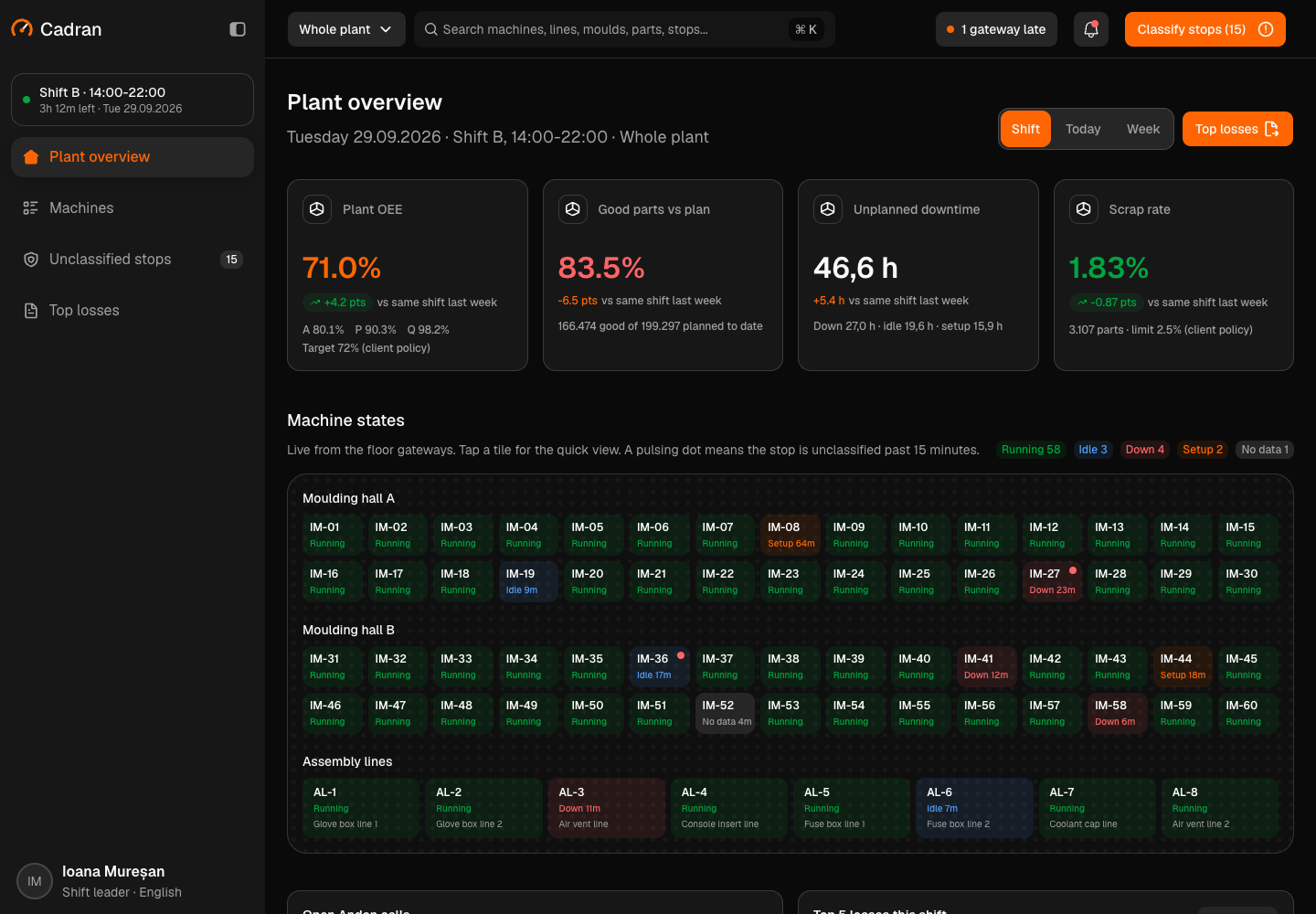
Cadran - Machine Telemetry and OEE Platform for an Injection Moulding Plant
Designed and built a clickable machine telemetry and OEE platform for a Romanian injection moulding and assembly plant that supplies automotive Tier 1 customers: live state of 60 moulding machines and 8 assembly lines, OEE with availability, performance and quality per machine, line and shift, a queue for clearing unclassified stops and a Pareto of top losses.
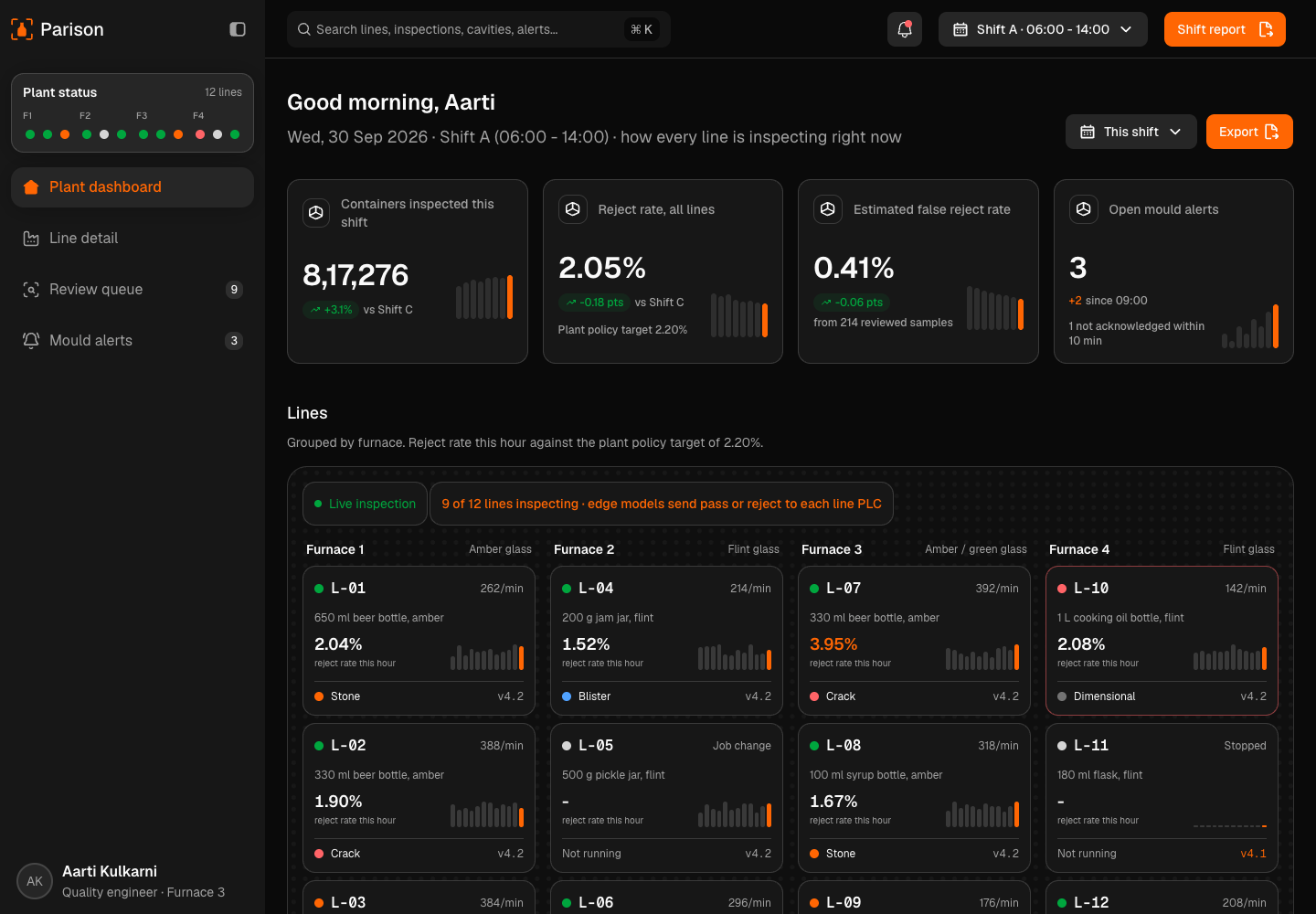
Parison - AI Visual Inspection for Glass Bottle and Jar Lines
Designed and built a clickable quality console for a glass container maker near Pune with 4 furnaces and 12 forming lines: cameras and edge models classify every bottle and jar at the cold end, uncertain images go to a person, rejects are traced to the mould cavity that made them, and every decision shows the rule behind it.
Enterprise Software Engineering - Human + AI
Contact Us
© 2026 - Copyright. All Rights reserved Oceanlab
Location
Global Headquarters
21 Merchant Road, 3rd Floor, Singapore 058267
Main corporate office and leadership operations
North America Office
548 Market Street, PMB 12345, San Francisco, CA 94104
Client operations and business development
India Office
402 Shivalik Shilp II, SG Highway, Ahmedabad 380015
Engineering and delivery center

Enterprise Software Engineering - Human + AI
Contact Us
Locations
Global Headquarters
21 Merchant Road, 3rd Floor, Singapore 058267
Main corporate office and leadership operations
North America Office
548 Market Street, PMB 12345, San Francisco, CA 94104
Client operations and business development
India Office
402 Shivalik Shilp II, SG Highway, Ahmedabad 380015
Engineering and delivery center
© 2026 - Copyright. All Rights reserved Oceanlab