Ruins Guide - Timed Tickets, Live Crowd Flow and Safety for Four Archaeological Sites
Visitor Operations Platform for a Sicilian Heritage Trust
Designed and built a clickable operations console for a heritage trust running four archaeological sites near Agrigento: timed-entry slots that shrink on red heat days, live occupancy by zone against safe capacity and conservation limits, bookings with gate scans and concession checks, and one incident log with lost child cases pinned at the top.
Most of our work is under NDA. Per agreement, we can share the work but not the company details - all names and identifying information shown here have been changed.
Impact
Dashboard, live occupancy with its zone panel, bookings, booking detail and incidents. The site switcher filters every screen across all four sites.
At a perceived 39 C the Rocca's 12:00 to 15:30 slots drop from 350 to 200 and show hatched, and the exposed upper temple terrace closes. Amber at 35 C pushes water point reminders.
Reduced and free tickets record that the gate officer checked the proof and the result, never a document number or a photo. Card data stays with the payment provider.
4 sites, 15 zones with 3 conservation limits, 26 bookings across 5 sale channels, 11 ticket types, 14 incidents and 8 staff on duty on a high-season Saturday in August.
The Problem
Fondazione Poggio Mandorlo sold paper tickets at one kiosk at the foot of the Rocca, while an online reseller had no idea how many people were already inside. On August mornings the queue reached 90 minutes in full sun, the upper terraces held three times the number the conservation team considered safe, a painted tomb chamber had to close twice after humidity spikes, school groups were booked by email into a spreadsheet, and when a child went missing staff coordinated on personal phones and a WhatsApp group.
Our Solution
Ruins Guide gives the trust one platform for about 1.2 million visitors a year: timed tickets sold against live capacity, slots and zones that react to heat and crowding, gate scans that check concessions without copying documents, and an operations console where the duty manager sees every zone, every booking and every incident across the four sites.
The Challenge: Crowds, Heat and Fragile Ruins
Four open-air sites, most visitors between April and October, midday temperatures that regularly pass 35 C, and areas so fragile that a dozen people at once is the limit. Every decision about who gets in, when and where has to balance visitor safety, conservation and the trust's revenue.
Capacity Nobody Could See
Tickets sold at the kiosk and through a reseller were never added up against what the site could hold. There was no count by zone, so the upper terraces filled far beyond their safe number before anyone noticed.
Heat That Changes the Day
A red heat day has to cut midday slots, close exposed terraces and send alerts in five languages, while tickets already sold are honoured. The thresholds are the trust's own policy and staff act on the official regional heat bulletins.
Concessions and Personal Data
Reduced and free entry depends on age, disability or teaching status, checked by eye at the gate. Under GDPR data minimisation the system may record only that the check happened and the category, not the document itself.
Incidents Across Four Sites
First aid, heat illness, damage to monuments, drones and lost children all needed one log. A lost child case has to reach every gate at once with a description, and its personal details have to disappear on a retention schedule once closed.
Our Approach: From Site Rules to a Clickable Console
Spec and Rules Research
Mapped 11 roles, from visitor and school group leader to gate officer, zone steward, duty manager and conservation officer, and 50 screens across the operations console, gate staff app, visitor app, school group pages and tour guide portal. Modelled sites, zones, paths, gates, counters, slots, ticket types, bookings, scans, conservation limits, heat rules and incidents, and wrote down the rules the design follows: GDPR and the Italian Privacy Code, the Code of Cultural Heritage, Italian and EU accessibility law, SdI electronic invoicing, PCI DSS and workplace safety records.
Clickable Demo on a Production UI Kit
Built 5 key console screens on a production dashboard kit: the dashboard with KPIs against the same weekday last year, Rocca slot fill and the heat forecast with its rule actions, live occupancy with a zone map and a zone panel to hold entry or adjust safe capacity, bookings with a quick view, booking detail with move slot, refund, resend and void, and incidents with the lost child case pinned and Alert all gates. A live strip in the top bar always shows people on site, the heat level and the active route mode. All actions run on local state.
What a Production Build Adds
Payments through Nexi XPay or Stripe with Satispay and pagoPA where needed, SdI invoicing, Apple and Google Wallet passes, people counters and turnstiles at zone gates, weather and heat feeds, Mapbox offline maps, push, email and SMS, and translation management. Staff sign-in with two-step verification, an audit log for every capacity, price, route and limit change, and the remaining surfaces: the offline gate scanner app, the visitor app with GPS audio tours and AR, school group booking and the tour guide portal.
Why It Works: The Day Run From One Screen
Zones Shaded by Safe Capacity
Every zone shows people inside against its safe capacity, green under 70%, amber from 70 to 90% and red above, with its 15-minute trend and counter status. An offline counter is flagged with the time of its last reading, so nobody trusts a stale number.
Heat Rules Shown Before They Act
The dashboard lays the hourly heat forecast next to the actions each level will take and when, and the slot chart hatches the slots the rule has reduced. The duty manager sees the afternoon cuts hours before they start.
Lost Children Come First
An open lost child case sits at the top of the incident log in red with minutes elapsed. One action sends the description to every gate, and the booking it came from is linked by a note.
Bookings Without Extra Personal Data
Tickets carry a holder label such as Adult 1 or Child 1, not a name. Concession checks keep only the result, card details stay with the provider, and each booking shows its entry window and re-entries left.
Related case studies
View all: Museums & heritage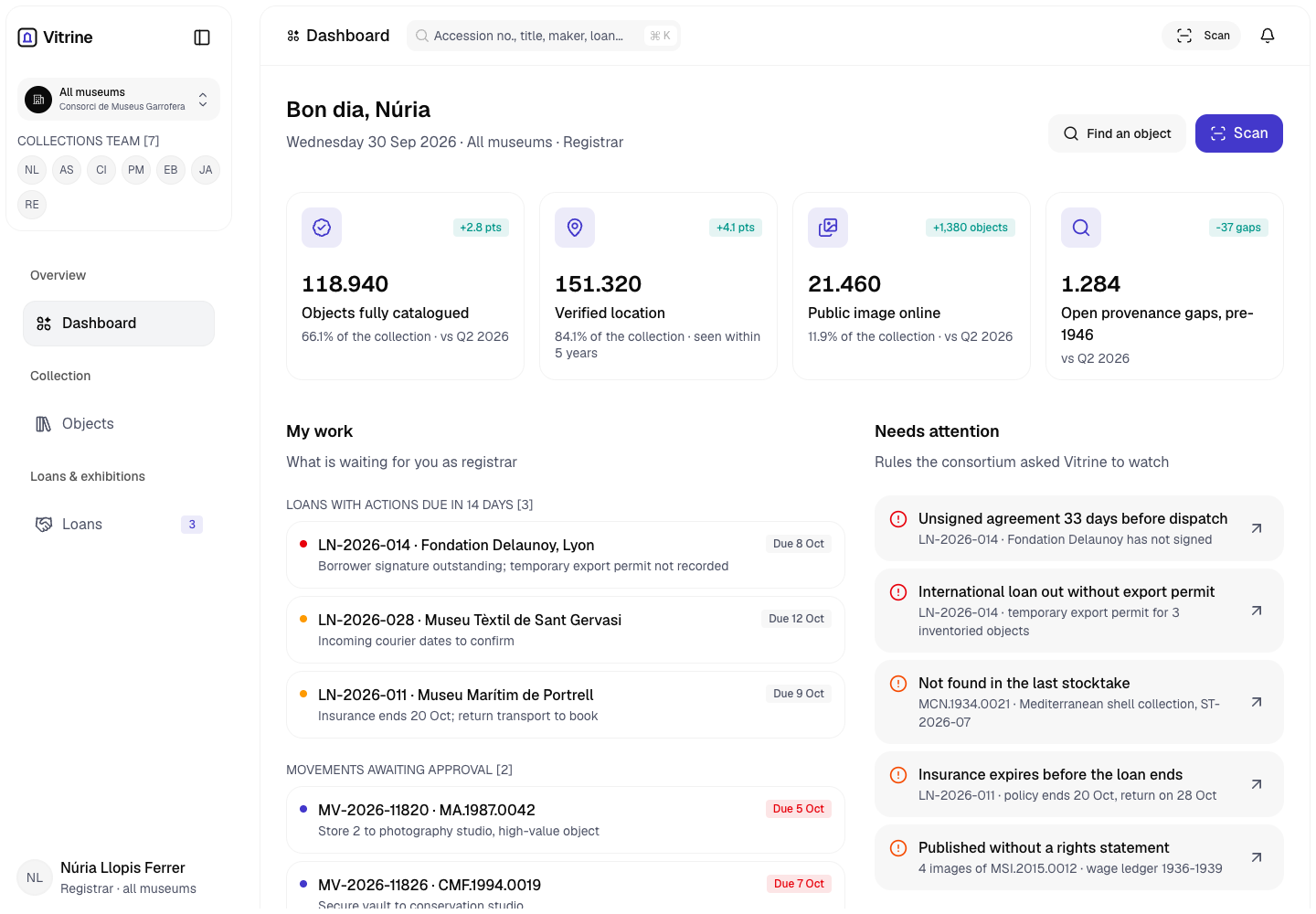
Vitrine - Collection Management System for Four Museums
Designed and built a clickable collection management system for a Valencian museum consortium with four museums and about 180,000 objects: one object record for catalogue, provenance, care and rights, verified locations, and loans that cannot be dispatched until agreements are signed and export permits are recorded.
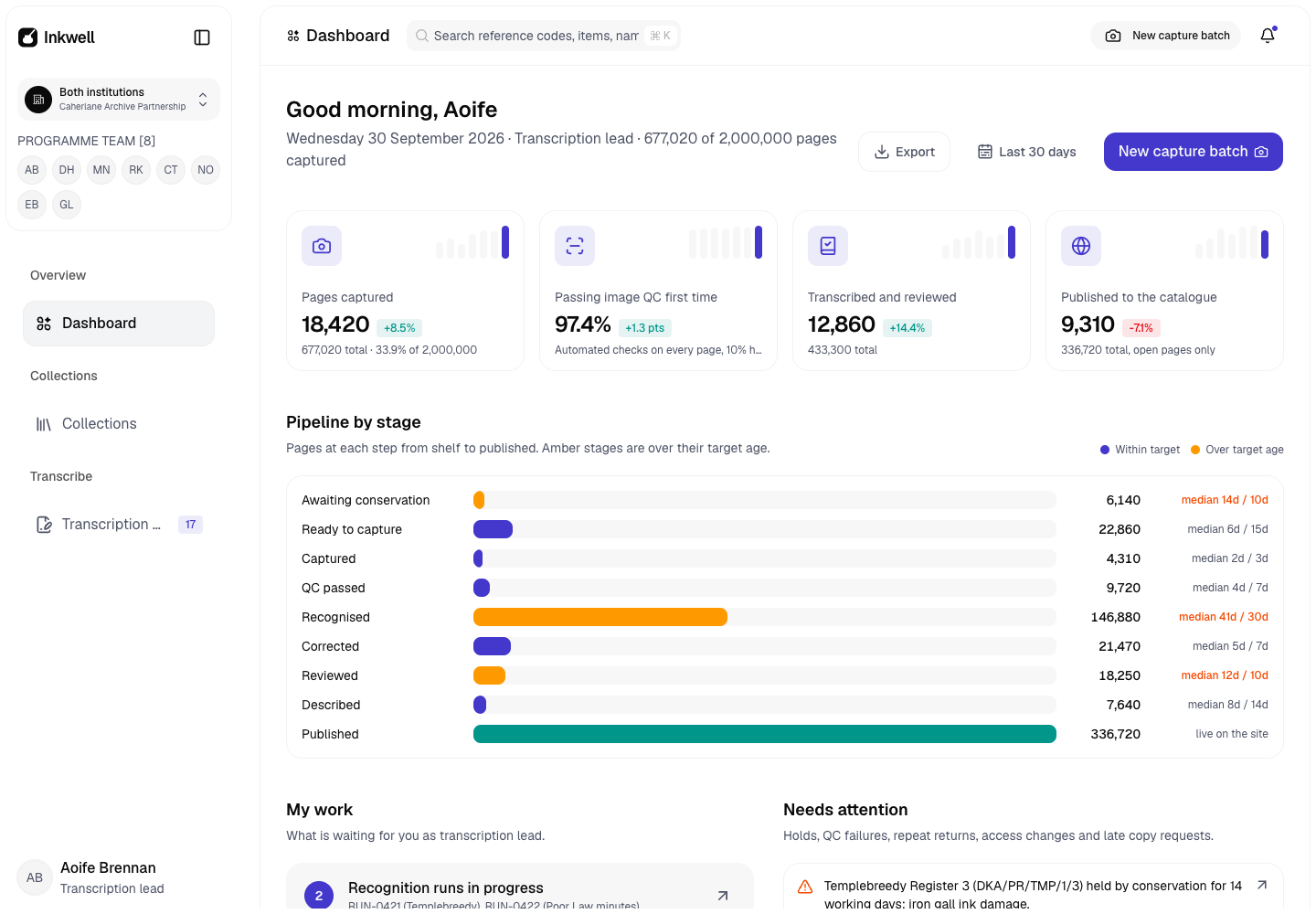
Inkwell - Archive Digitisation Platform with Handwriting Recognition and Volunteer Correction
Designed and built a clickable digitisation platform for a county record office and diocesan archive in Cork digitising about 2 million pages of parish registers, court rolls, estate papers and letters: one pipeline from shelf to published, handwriting recognition with a confidence score on every line, staff and volunteer correction, and closures that keep sensitive pages off the public site.
Enterprise Software Engineering - Human + AI
Contact Us
© 2026 - Copyright. All Rights reserved Oceanlab
Location
Global Headquarters
21 Merchant Road, 3rd Floor, Singapore 058267
Main corporate office and leadership operations
North America Office
548 Market Street, PMB 12345, San Francisco, CA 94104
Client operations and business development
India Office
402 Shivalik Shilp II, SG Highway, Ahmedabad 380015
Engineering and delivery center

Enterprise Software Engineering - Human + AI
Contact Us
Locations
Global Headquarters
21 Merchant Road, 3rd Floor, Singapore 058267
Main corporate office and leadership operations
North America Office
548 Market Street, PMB 12345, San Francisco, CA 94104
Client operations and business development
India Office
402 Shivalik Shilp II, SG Highway, Ahmedabad 380015
Engineering and delivery center
© 2026 - Copyright. All Rights reserved Oceanlab