Chhnang - QR Ordering and Pay-at-Table Platform in Khmer, English and Chinese
Order-and-Pay-at-Table for a Phnom Penh Restaurant Group
Designed and built a clickable QR ordering and service console for a four-venue restaurant group in Phnom Penh: guests order in rounds from a shared table cart and pay by KHQR or card, every price shows in USD and riel, tickets route to the right kitchen station, and managers run the floor and the 86 board from one place.
Most of our work is under NDA. Per agreement, we can share the work but not the company details - all names and identifying information shown here have been changed.
Impact
Dashboard, live floor with the table quick view, table session, orders with the ticket panel and the 86 board. Every one of the 16 open table sessions opens its own check.
Riel amounts use the client's own display rate for the day, 1 USD = 4,100 KHR, rounded to the nearest 100 riel and locked on each check, so a split paid in dollars and riel adds up.
Grill, Wok, Cold & salad, Dessert, Bar and Coffee, each with its own target time and ticket language. Late tickets turn amber at the target and red at 1.5 times, and an offline printer shows Not delivered.
A Khmer menu in three languages with the 14 EU and UK allergens, 4 add-ons that can run out, 26 tables in 4 areas, 53 kitchen tickets and 10 staff across 4 venues.
The Problem
Phkay Preuk's four venues used laminated menus in three languages, and every price change meant a two-week reprint. Servers wrote orders on pads and re-keyed them into a till, so tickets went missing between the bar and the wok station on busy nights. Tourists could not ask about peanuts or shellfish in Khmer, sold-out dishes were found only once the order reached the kitchen, tables waited up to 15 minutes to pay, and splitting a bill in dollars and riel at a rate written on a whiteboard caused mistakes.
Our Solution
Chhnang puts the menu on the guest's phone from a table QR code, with no app to download. The whole table orders in rounds from one shared cart, calls a server and pays at the table by KHQR or card. Each round is split into tickets for the right station, and staff run tables, requests, tickets and sold-out items from one console that shows every amount in USD and KHR.
The Challenge: One Table, Two Currencies, Three Languages
A casual dining group in Phnom Penh serves office workers, families and tourists at the same time. Guests read Khmer, English or Chinese, pay in dollars or riel, and expect the price, the allergens and the bill to be clear before they pay.
Dollars and Riel on Every Bill
Restaurants in Cambodia commonly price in USD and give change in riel, while a 2017 Ministry of Commerce prakas generally requires prices in KHR. The group sets its own display rate each day, so every check needs one rate, applied the same way to the menu, the bill and the change.
Paying at the Table Without Holding Card Data
KHQR, the National Bank of Cambodia's QR standard on Bakong, can be paid from any participating bank app in KHR or USD. Cards go through the provider's hosted fields. Chhnang has to confirm payment from the provider's callback and keep only a reference, the card brand and the last four digits.
Charges Shown Before the Guest Pays
Cambodia's Law on Consumer Protection (2019) generally requires clear prices, so the service charge, on at Riverside only, must appear on the menu and at checkout. VAT at 10% is included in prices and broken out on the receipt, and tips start at none until the guest picks one.
Allergens Across Three Languages
Peanuts, fish, crustaceans and sesame are common in Khmer cooking. The group declares the 14 allergens used on EU and UK menus as its own policy, and those flags have to reach the guest, the server and the station ticket in the language each one reads.
Our Approach: From Service Rules to a Clickable Console
Spec and Rules Research
Mapped 8 roles from guest to finance and admin, 40 screens (30 manager console, 2 staff handheld and 8 guest mobile) and the data model for venues, menus, items, modifiers, availability, tables, table sessions, rounds, tickets, checks, payments and the daily exchange rate. Wrote down the rules the design follows: dual-currency pricing, KHQR and Bakong, hosted card fields, 10% VAT and GDT receipts, consumer protection, service charge and tips, allergens and data minimisation.
Clickable Demo on a Production UI Kit
Built the console's 5 key screens on a production dashboard kit: the dashboard with net sales in both currencies, sales by hour and payment mix, the live floor with a table map, status colours and the service request rail, the table session with the check by round, payments and void or comp with approval limits, the orders list with station targets, and the 86 board with stock counts and back-at times. Actions run on local state.
What a Production Build Adds
KHQR and card payments through an acquirer such as ABA PayWay or ACLEDA with hosted fields and callbacks, receipt email through Amazon SES or Postmark, Epson ePOS kitchen printers, the kitchen display and point of sale, menu photo storage and Xero or QuickBooks export. Staff PINs and roles, an append-only audit log, the guest mobile pages, the staff handheld and the menu, payments, reports and settings screens, with receipt content confirmed by the group's accountant.
Why It Works: The Floor, the Kitchen and the Bill in Step
One Rate, Locked Per Check
The top bar always shows today's display rate, and a notification records who confirmed it. Each check records the rate it opened at, so totals, KHQR amounts in riel and cash change in dollars and riel all come from the same number.
The Floor Shows What Needs Doing
Each table shows its covers, time seated, server and status, from ordering to wants to pay, with badges for an open request, a late ticket or paused ordering. Requests sit in a rail oldest first, amber after 3 minutes and red after 5.
Every Line Traceable on the Check
The check is grouped by round, and each line shows who added it, its modifiers, allergen flags and status. Failed and pending payments stay visible next to the ones that succeeded, and a session can only be closed at zero balance.
Sold Out Before It Is Ordered
The 86 board gives every item and add-on a large Available or 86'd switch, with who marked it, when and a back-at time. A stock count 86's the item at zero, and the sidebar count keeps the whole shift aware.
Related case studies
View all: Food & restaurants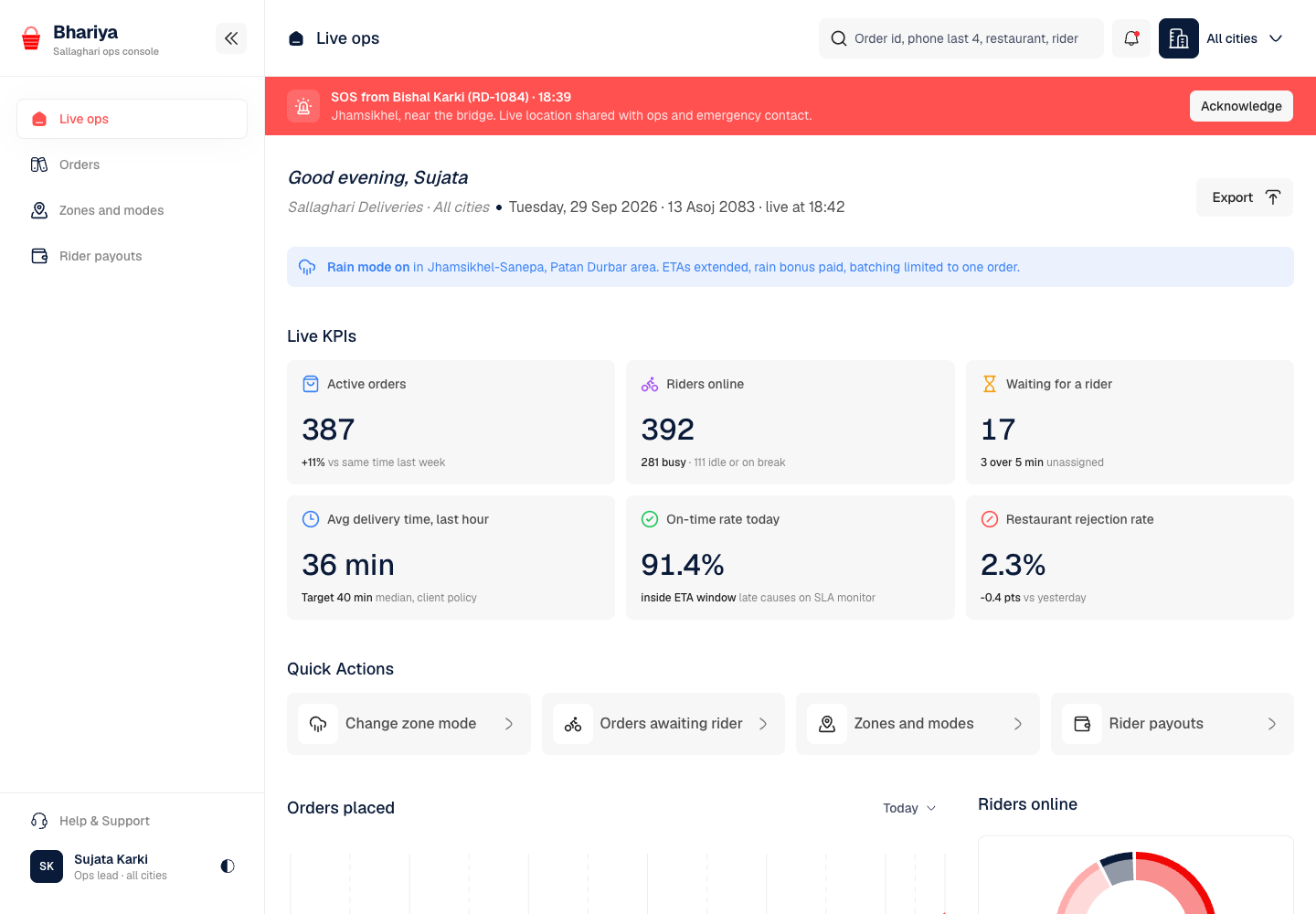
Bhariya - Food Delivery Platform with Fair Rider Pay and Safety Built In
Designed and built a clickable ops console for a Kathmandu food delivery platform that links customers, about 600 restaurants and 900 riders: live orders and alerts across three cities, zone modes for surge, rain and road closures, a money split on every order, and weekly rider payouts with a per-order breakdown and two-person approval.
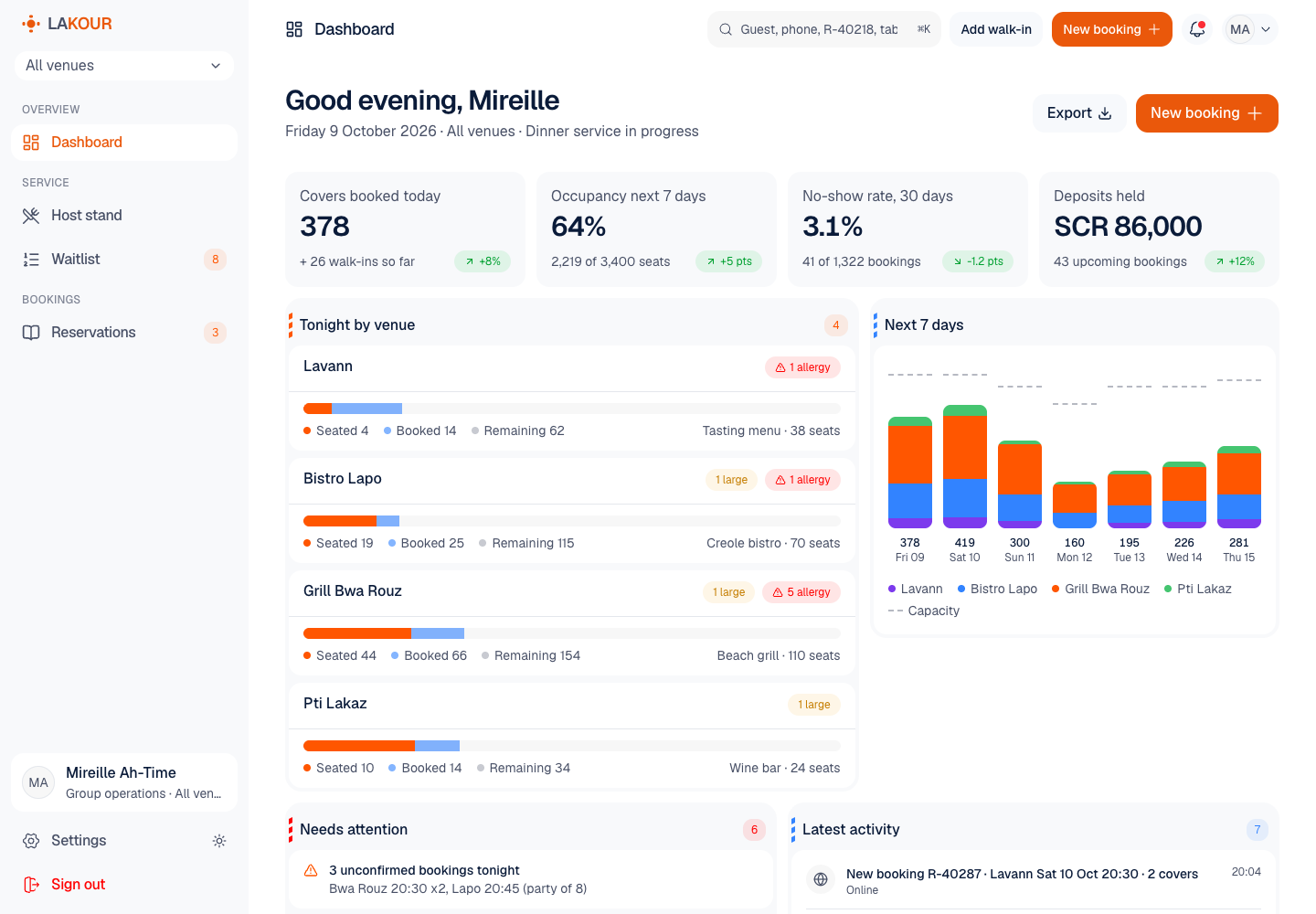
Lakour - Reservations, Waitlist and Host Stand for a Restaurant Group
Designed and built a clickable reservation and host stand system for a four-venue restaurant group on Mahé: one day book for every channel, a live floor plan that shows which tables free up next, a walk-in waitlist with table-ready messages, deposit and guarantee terms the guest accepted, and allergy notes that only reach staff with the guest's consent.
Enterprise Software Engineering - Human + AI
Contact Us
© 2026 - Copyright. All Rights reserved Oceanlab
Location
Global Headquarters
21 Merchant Road, 3rd Floor, Singapore 058267
Main corporate office and leadership operations
North America Office
548 Market Street, PMB 12345, San Francisco, CA 94104
Client operations and business development
India Office
402 Shivalik Shilp II, SG Highway, Ahmedabad 380015
Engineering and delivery center

Enterprise Software Engineering - Human + AI
Contact Us
Locations
Global Headquarters
21 Merchant Road, 3rd Floor, Singapore 058267
Main corporate office and leadership operations
North America Office
548 Market Street, PMB 12345, San Francisco, CA 94104
Client operations and business development
India Office
402 Shivalik Shilp II, SG Highway, Ahmedabad 380015
Engineering and delivery center
© 2026 - Copyright. All Rights reserved Oceanlab