Chaffline - E-Discovery Search and Document Review Platform
Review Platform for a Chicago Litigation Support Firm
Designed and built a clickable e-discovery platform for a Chicago litigation support firm that hosts and reviews data for US law firms: a dashboard across every matter, each matter's path from collection to production, Boolean, proximity and concept search, and a review pane where contract reviewers code documents with the privilege basis recorded at the moment of the call.
Most of our work is under NDA. Per agreement, we can share the work but not the company details - all names and identifying information shown here have been changed.
Impact
Dashboard, matters list, matter home, search and the review pane. The matter home opens for all 12 demo matters, and the review pane steps through every document in batch B-0147-0231.
Search reads AND, OR, NOT, exact phrases, W/n and pre/n proximity, wildcards, fuzzy ~ and from:, to:, custodian:, subject: and sent: date ranges, and says what is wrong when a query does not parse.
Reviewers code with R, N and P and press Enter to save and move on. Any privilege call needs a basis note naming the attorney and subject before it saves, ready for the privilege log.
One review batch with email families, threads, a 97% near-duplicate, a Spanish email, and SSN, account and health flags, across 12 matters, 5 productions and 6 saved searches.
The Problem
Kedzie Row ran matters across a legacy review tool, a separate processing tool, a TAR add-on from another vendor and a set of spreadsheets. Chain-of-custody forms were PDFs signed by hand, Bates ranges lived in Excel and privilege logs were typed up from coding exports the week before each production. In 2025 a family member of a privileged email went out in a production because the privilege screen ran on the parent only. It came back under the matter's FRE 502(d) order, but the client asked for one platform where the privilege screen, the production and the log could not drift apart.
Our Solution
Chaffline covers the working middle of the EDRM model in one place: collections with hashing and chain of custody, processing, early case assessment, search, review batches, technology-assisted review with validation, privilege logs, redactions, Bates-numbered productions and clawbacks. Privilege decisions are made once, in the review pane, and everything downstream reads from them.
The Challenge: Review That Holds Up in Court
US civil discovery asks a producing party to find what is relevant, keep back what is privileged, and be able to explain how it did both. Every number and every decision has to survive a meet and confer, and sometimes a motion.
Privilege Calls Made Far From the Log
FRCP 26(b)(5)(A) requires withheld material to be described well enough for the other side to assess the claim. When the log is typed from exports weeks later, the reason behind each call is lost, and families coded differently slip into a production.
Proportionality Without Numbers
FRCP 26(b)(1) weighs the burden of discovery against its likely benefit. Nobody could see in one place how much data a custodian added, what de-duplication saved, or when a review would finish against the court's deadline.
Defensible Methods, End to End
Every source item has to be hashed on arrival and after each hand-off, processing settings recorded per job, and TAR validated with an elusion sample and a recall estimate before anyone relies on it. Hand-signed forms and spreadsheets could not prove any of that.
Many Roles, Strict Limits
Project managers, technicians, review managers, contract reviewers, privilege reviewers, client attorneys and opposing counsel all touch the same matter. Reviewers may code only their batches, and review sets carry personal and health data covered by HIPAA and Illinois law.
Our Approach: From Discovery Rules to a Clickable Platform
Spec and Rules Research
Mapped 8 roles, 38 screens across staff, reviewer workspace, client portal and a public production download, and the data model for matters, custodians, collections, custody events, processing jobs, documents, coding, batches, TAR projects, privilege logs, productions and clawbacks. Wrote down the rules the design follows: FRCP 26, 34 and 5.2, FRE 502, the case law on TAR, the Sedona Principles, HIPAA, Illinois BIPA and PIPA, the CCPA and the ABA Model Rules.
Clickable Demo on a Production UI Kit
Built 5 key screens on a production dashboard kit: the firm dashboard with KPIs, matters at a glance, my work and needs attention; the matters list with filters; the matter home with the EDRM pipeline, deadlines, batch set progress and productions; search with a working query parser, concept mode, scope toggles and saved searches; and the three-column review pane with family, thread, near-duplicates, highlights and the coding panel. Coding and actions run on local state.
What a Production Build Adds
Collection imports from Microsoft Purview, Google Vault and Slack, evidence storage on Amazon S3 with Object Lock, OCR, an Elasticsearch or OpenSearch index, DeepL translation, Okta or Entra ID sign-on with MFA and SFTP delivery. A tamper-evident audit log, matter-scoped access, and the remaining screens: collections and custody, processing, ECA, TAR and validation, QC, privilege log, redactions, productions, clawbacks, the reviewer workspace and the client portal.
Why It Works: Every Call Recorded Where It Is Made
The Privilege Basis Is Captured on Coding
Choosing any privilege value opens a required note for the attorney involved and the subject, which the privilege log later reads. Each save is added to the document's coding history, and a family note shows how many members the call applies to.
Search Shows Its Working
Hits are highlighted in every snippet, and the result bar counts documents, documents with families and unique documents. Scope toggles add families, threads and near-duplicates or drop documents already produced, so the numbers match what will be reviewed.
The Matter Reads Left to Right
The matter home follows the EDRM stages: collected, processed, in review scope, reviewed and produced, each with its count. The dashboard marks a projected finish in red when it lands after the deadline.
Orders and Sensitive Data Stay in View
A matter with a protective order shows a banner on every page with the 502(d) date and the confidentiality tiers. Documents show SSN, account, birth date and health flags as chips, machine translation is labelled as such, and every viewer sees a watermark with their name and the time.
Related case studies
View all: LegalTech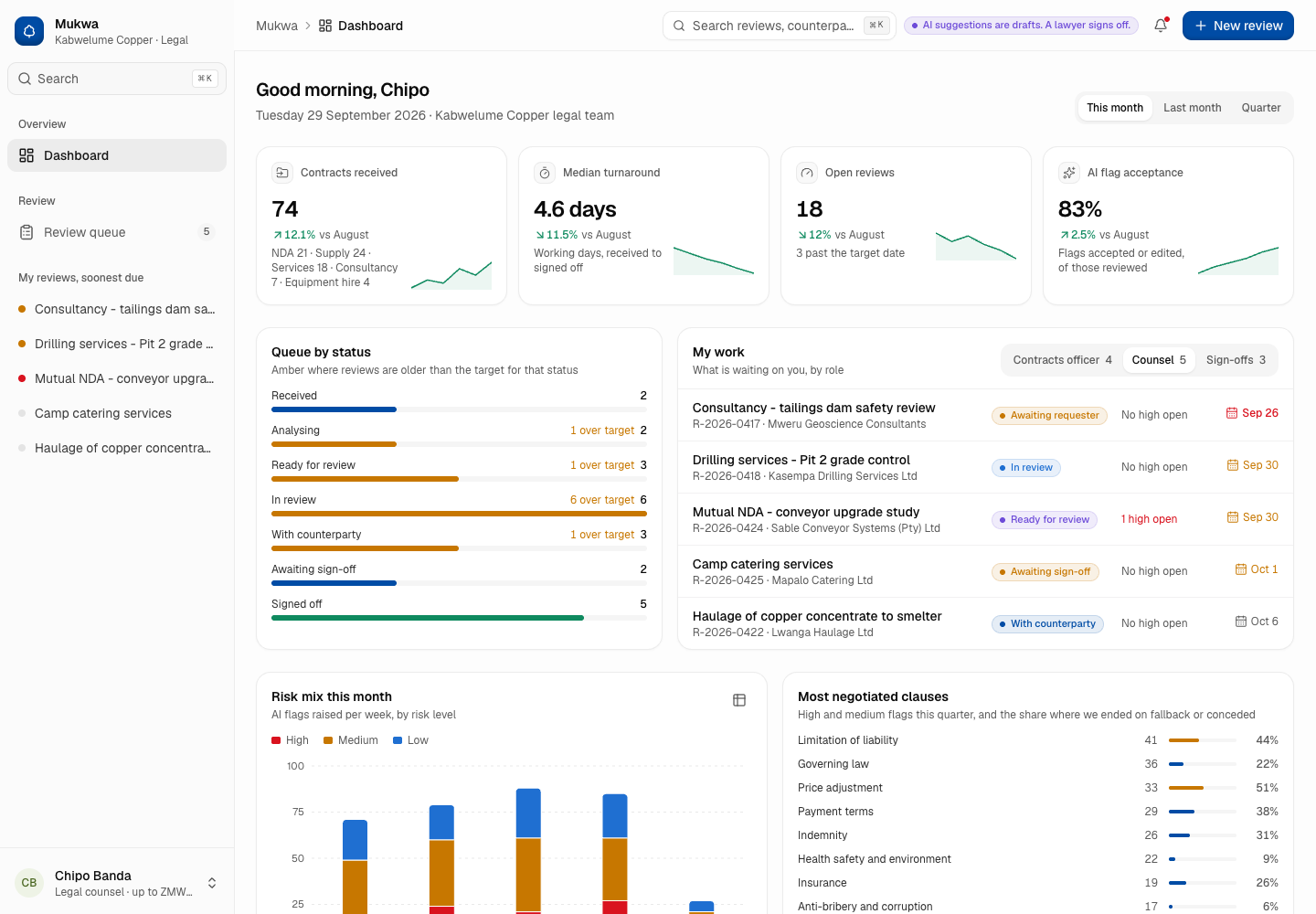
Mukwa - AI Contract Review Checked Against the Playbook and Signed Off by a Lawyer
Designed and built a clickable contract review tool for the in-house legal team of a Lusaka copper miner: the AI extracts each clause of a third-party contract, compares it with the company playbook, flags risks with a plain explanation and drafts redlines, while a lawyer decides every flag and only a lawyer with the right authority can sign off.
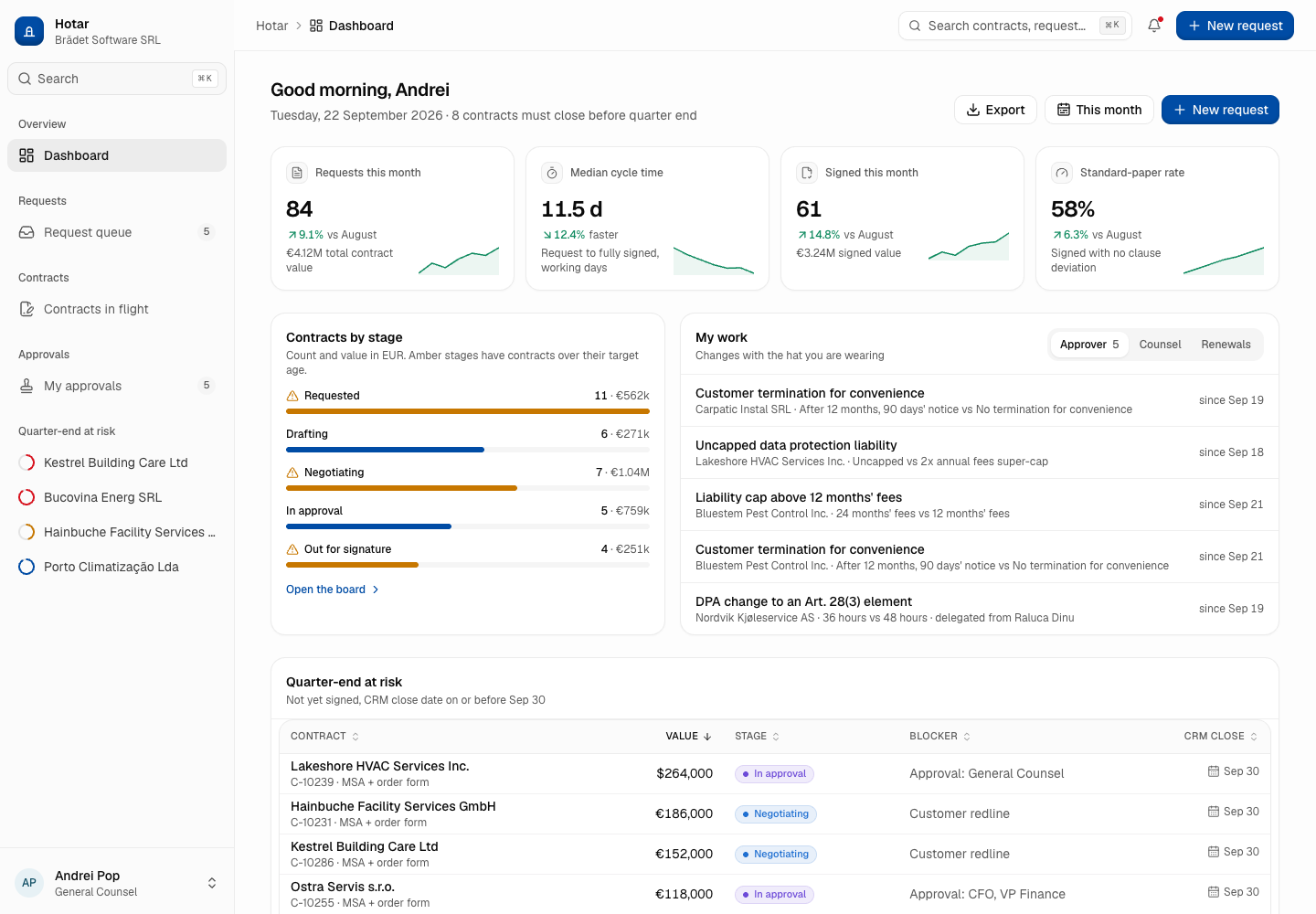
Hotar - Sell-Side Contract Lifecycle Management with an Approval Matrix
Designed and built a clickable contract lifecycle system for a Cluj-Napoca software company selling to EU and US customers: contract requests from CRM deals, a board of every contract in negotiation, a contract workspace with versions, clauses and signature level, and approvals routed by a fixed matrix of discount, liability, payment and data protection rules.
Enterprise Software Engineering - Human + AI
Contact Us
© 2026 - Copyright. All Rights reserved Oceanlab
Location
Global Headquarters
21 Merchant Road, 3rd Floor, Singapore 058267
Main corporate office and leadership operations
North America Office
548 Market Street, PMB 12345, San Francisco, CA 94104
Client operations and business development
India Office
402 Shivalik Shilp II, SG Highway, Ahmedabad 380015
Engineering and delivery center

Enterprise Software Engineering - Human + AI
Contact Us
Locations
Global Headquarters
21 Merchant Road, 3rd Floor, Singapore 058267
Main corporate office and leadership operations
North America Office
548 Market Street, PMB 12345, San Francisco, CA 94104
Client operations and business development
India Office
402 Shivalik Shilp II, SG Highway, Ahmedabad 380015
Engineering and delivery center
© 2026 - Copyright. All Rights reserved Oceanlab