Tsqaro - Playtest and Pitch Console for a Standalone VR Puzzle Demo
VR Playtest Console for a Tbilisi Indie Studio
Designed and built a clickable studio console for a seven-person Tbilisi studio's standalone VR puzzle demo: builds on release channels with a QA checklist, playtest sessions with a live run sheet and comfort stops, and comfort results by setting that answer a publisher's first question with evidence.
Most of our work is under NDA. Per agreement, we can share the work but not the company details - all names and identifying information shown here have been changed.
Impact
Dashboard, sessions calendar and list, the live session run sheet, build detail with 5 tabs and comfort results. The date range, filters, seat actions and checklist results all change what you see.
An in-headset comfort check every 10 minutes of play. A score of 7 or above turns the seat red and shows the break protocol: remove the headset, seat the tester, offer water, do not resume within 10 minutes.
72 fps on target devices, boundary handling, pause on headset removal, comfort vignette, seated reach, subtitles and the health and safety screen. Items not checked against Meta's documentation in 90 days show as review due.
4 playtest rounds, 30 playtesters, 10 builds including processing, failed and known-bad ones, 10 bugs, 7 crash groups and 109 comfort survey respondents.
The Problem
Rtveli Hollow had a promising vertical slice and no way to prove it. Builds were side-loaded from a designer's laptop, nobody could say which build a tester had played, and playtest notes lived in a shared document, a phone camera roll and three people's heads. Publishers asked about motion sickness first, and the studio could only say some people felt a bit off. Two festival deadlines were missed, and the playtest sign-up form asked for health questions with no consent text or retention rule.
Our Solution
Tsqaro gives the studio one place to ship a build to a release channel, run playtests against a known build, watch each seat's comfort live, turn crashes and tester reports into bugs, and hand a publisher evidence: completion rates, comfort scores by locomotion setting and a clean press kit.
The Challenge: Proving a VR Demo Is Comfortable
The demo is a 35 minute puzzle game for Meta Quest headsets, with a tutorial and four levels, built to win a publisher deal or a festival slot. Getting there means testing it on real people, and every test produces data about their bodies.
Comfort Is the First Question
Publishers want to know who feels sick and why. The answer depends on the settings each player chose (teleport or smooth movement, snap or smooth turning, vignette strength, seated or standing), so scores mean nothing unless they are tied to the settings in force at the time.
Symptom Answers Are Health Data
Motion sickness answers can reveal information about a person's health, which Georgian law treats as a special category with stricter conditions. They need their own consent that a tester can refuse and still play, and must never be shown one person at a time.
Movement Data Can Identify People
Head and hand tracking is distinctive enough to help identify a person. Telemetry has to be linked to a pseudonymous id rather than a name, sampled at a low rate and shown only as aggregates, with no eye or face tracking at all.
Builds Nobody Could Trace
Without release channels and a checklist, the team could not say which build a tester or publisher had, whether it held 72 fps on a Quest 2, or whether it paused when the headset came off, checks that map to Meta's published requirements.
Our Approach: From Playtest Rules to a Clickable Console
Spec and Rules Research
Mapped 12 roles from studio director to facilitator, playtester and the player in the headset, 41 screens across the studio console, public web pages and the headset itself, and the data model for builds, release channels, sessions, seats, consents, telemetry, comfort checks, bugs, pitches and data requests. Wrote down the rules the design follows: the Law of Georgia on Personal Data Protection, GDPR for EU waitlist sign-ups, Meta's platform requirements, VR comfort practice, the W3C XR Accessibility User Requirements, the Game Accessibility Guidelines and WCAG 2.2 AA.
Clickable Demo on a Production UI Kit
Built 5 key screens of the studio console on a production dashboard kit: the dashboard with completion, comfort, crash-free and waitlist KPIs, the sessions calendar and list with a schedule session sheet, the run sheet for a live session with pre-flight checks, pairing, comfort alerts and observations, build detail with QA checklist, performance, crashes and compare tabs, and comfort results with filters and sample-size suppression. All actions run on local state.
What a Production Build Adds
The headset build itself in Unity with OpenXR and the Meta XR SDK, release channels through the Meta Horizon developer platform, CI builds, Sentry or Backtrace crash reporting, a telemetry store such as ClickHouse on AWS in Frankfurt, Jira or Linear sync, Postmark and Mailchimp or Brevo email, Twilio reminders and Google Calendar invites. Staff auth with contact access by role, an append-only audit log, and the remaining screens: heatmaps, progression, bugs, launch, privacy, settings, the public pages and the in-headset flow.
Why It Works: Evidence Without Exposing Testers
Comfort Split by Setting
Every comfort score is read against the settings in force when it was given. The dashboard and comfort results compare teleport with smooth movement and snap with smooth turning, with sample sizes, so the team can propose defaults and a studio director approves them.
Small Samples Stay Hidden
Comfort figures from fewer than 10 respondents are hidden and no individual answers are shown. Filter to testers aged 45 and over and the numbers disappear rather than pointing at a handful of people.
The Run Sheet Protects the Tester
Each seat shows its consents as ticks, a six-step pre-flight checklist including age 18 or over and a cleaned headset, and a live discomfort dot. Ending a seat early asks for a reason, and testers who stop still get their 50.00 GEL voucher.
Every Build Is Accounted For
Each build shows the release channels it has been on, its QA checklist against platform requirements, frame rate per device and level against the 72 fps target, crash groups linked to bugs, and a compare view. A known-bad build is blocked from new sessions.
Related case studies
View all: Gaming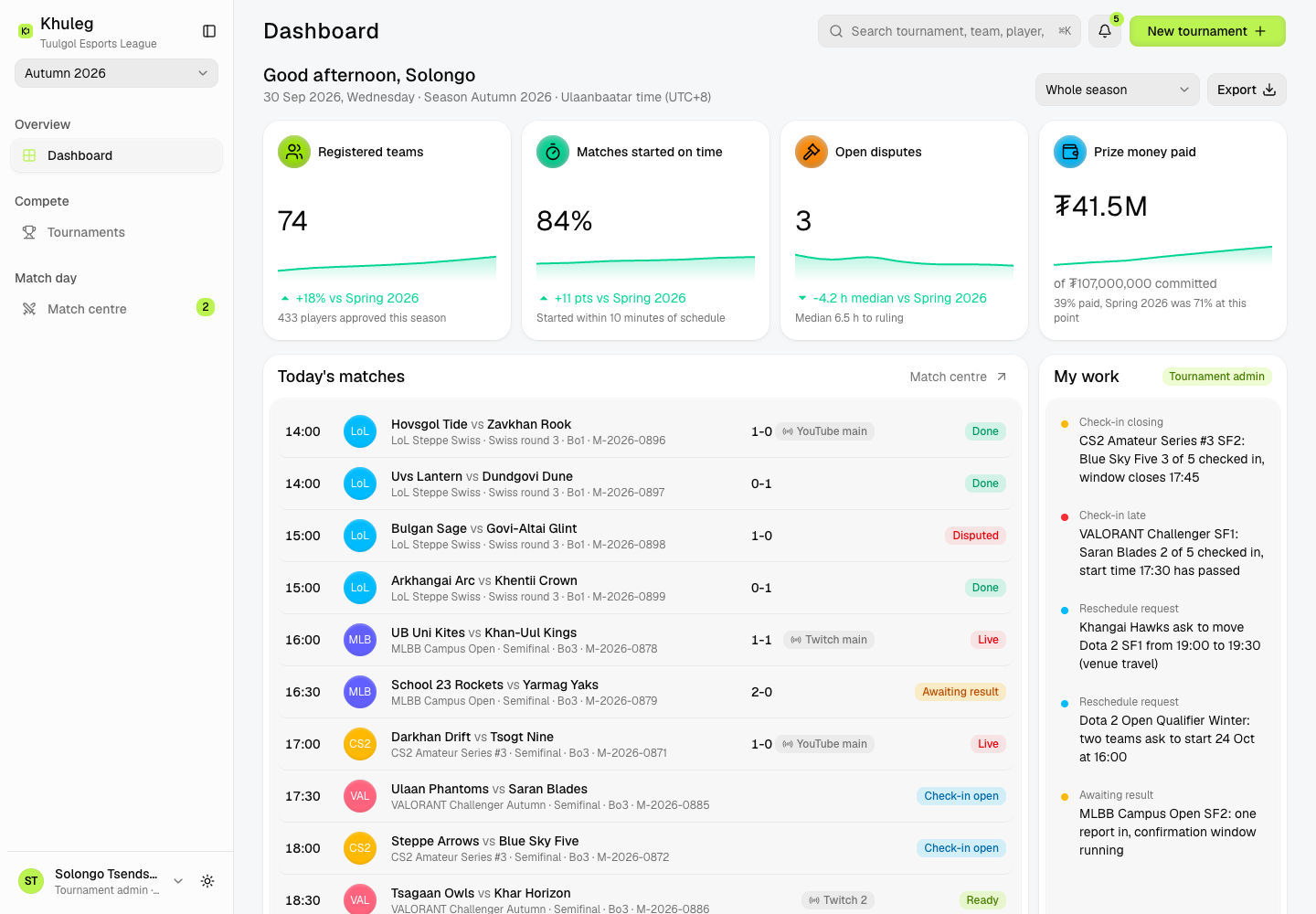
Khuleg - Esports Tournament Platform from Registration to Prize Payout
Designed and built a clickable tournament platform for an Ulaanbaatar amateur and semi-pro esports league: tournaments checked against each publisher's recorded licence terms, brackets and schedules, a match day board that shows who has checked in, and score reports with evidence and disputes. No betting features of any kind.
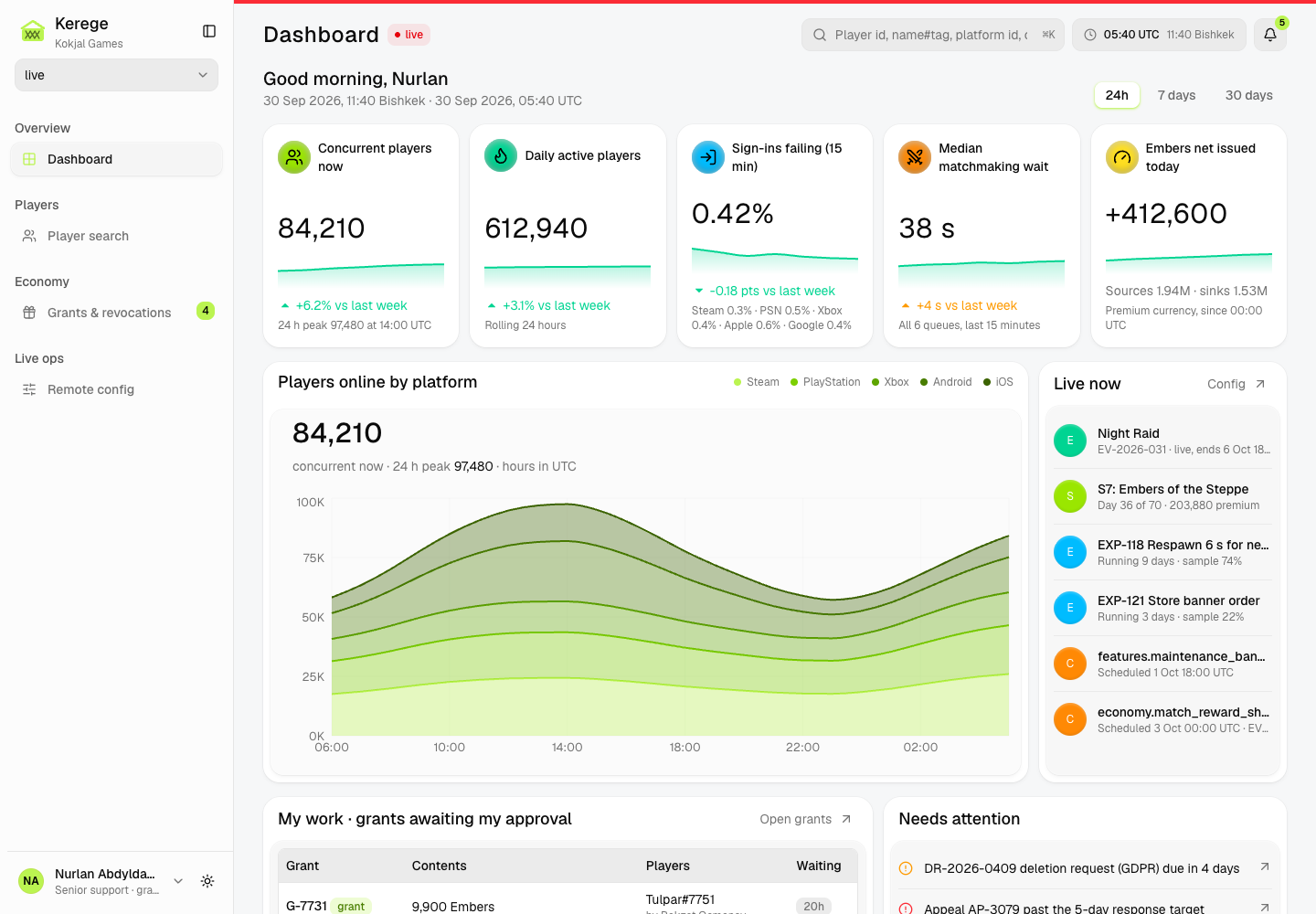
Kerege - Game Backend and Live-Ops Console for a Cross-Platform Multiplayer Game
Designed and built a clickable player backend and live-ops console for a Bishkek studio's team-based multiplayer game on iOS, Android, Steam, PlayStation and Xbox: one player account across platforms, a server-authoritative currency ledger, audited grants with a second approver above each role's limit, and remote config targeted by segment.
Enterprise Software Engineering - Human + AI
Contact Us
© 2026 - Copyright. All Rights reserved Oceanlab
Location
Global Headquarters
21 Merchant Road, 3rd Floor, Singapore 058267
Main corporate office and leadership operations
North America Office
548 Market Street, PMB 12345, San Francisco, CA 94104
Client operations and business development
India Office
402 Shivalik Shilp II, SG Highway, Ahmedabad 380015
Engineering and delivery center

Enterprise Software Engineering - Human + AI
Contact Us
Locations
Global Headquarters
21 Merchant Road, 3rd Floor, Singapore 058267
Main corporate office and leadership operations
North America Office
548 Market Street, PMB 12345, San Francisco, CA 94104
Client operations and business development
India Office
402 Shivalik Shilp II, SG Highway, Ahmedabad 380015
Engineering and delivery center
© 2026 - Copyright. All Rights reserved Oceanlab