Setback - Permitting and Licensing Platform with Parallel Plan Review
Permitting Platform for a US City, in English and Spanish
Designed and built a clickable permitting and licensing platform for a US city's development services department: completeness checks before the review clock starts, building, zoning, fire and public works reviews running in parallel against city targets, an inspection board that checks certifications, and one record for every permit with its parcel, parties, holds, fees and inspections.
Most of our work is under NDA. Per agreement, we can share the work but not the company details - all names and identifying information shown here have been changed.
Impact
Dashboard, intake queue, my reviews, inspection board and record detail with 7 tabs. Every one of the 32 demo records opens its own record detail.
Building, zoning, fire and public works review at the same time, each on its own clock: 10 business days for a first residential review, 20 for commercial and 5 for a second cycle.
Required documents, sheets legible and to scale, contractor licence verified or owner-builder declaration signed, parcel matched in GIS, owner authorisation and intake fee paid.
18 building permits, 8 trade permits, 2 right-of-way permits, 2 special events and 2 business licences, with 18 reviews, 25 inspections, 5 inspectors and 9 contractor and design firms.
The Problem
Wrenfield Falls ran permitting on a 2009 desktop system, paper plan sets and a shared inbox. Plans travelled between departments on a cart, applicants received three separate corrections letters that sometimes contradicted each other, inspection results were typed in days later from job cards, and first reviews of a single-family addition took a median of 26 business days against the city's own 10-day target.
Our Solution
Setback takes a permit from application to final inspection in one record. Permit technicians check completeness before the clock starts, reviewers in every discipline work at the same time against visible targets, supervisors assign inspections to inspectors holding the right certification, and every applicant-facing notice follows the applicant's language, English or Spanish.
The Challenge: One Permit, Four Departments, Two Languages
A US city permit passes through intake, several review disciplines, fees, issuance and a series of inspections, each governed by adopted codes, the city's own ordinances and, in some states, decision deadlines. Wrenfield Falls had no single place to see where any permit stood.
Plans on a Cart
Paper plan sets moved from one department to the next, so the fire reviewer often waited for zoning to finish. Inspection requests came by voicemail and results were written on the job card, then typed in by a clerk days later.
Codes, Zoning and Fees by Ordinance
Construction is reviewed against the ICC codes and the National Electrical Code as the city adopted them, zoning against the city's own ordinance, and fees come from a schedule set by ordinance. Each permit has to keep the code edition and fee version in force when it was submitted.
Clocks Nobody Could See
The city manager could not say which discipline was the bottleneck. Review time has to be split into city time and time waiting on the applicant, and some states set decision deadlines for certain permit types that must be tracked per type.
Spanish and Accessibility by Default
Spanish-speaking applicants relied on bilingual counter staff being on shift. Every notice, letter and permit card needs a Spanish version, and the 2024 ADA Title II rule requires city web content and apps to meet WCAG 2.1 AA, from April 2027 for a city of this size.
Our Approach: From Permitting Rules to a Clickable Console
Spec and Rules Research
Mapped 13 user roles from permit technician and plan reviewer to inspector, contractor and the public, 46 screens across the staff console, an offline inspector app, a bilingual applicant portal and public permit search, and the data model for parcels, versioned permit types, workflows and fee schedules, reviews, comments, conditions, invoices, inspections and holds. Wrote down the rules the design follows: adopted ICC codes and NFPA 70, zoning, fees by ordinance, 180-day permit expiration, state decision deadlines, contractor licensing, ADA Title II and WCAG 2.1 AA, Title VI language access, public records and PCI DSS.
Clickable Demo on a Production UI Kit
Built 5 key staff screens on a production dashboard kit: the dashboard with KPIs, records by stage, review clock by discipline, 12-week revenue and a My work panel that switches between 5 roles; the intake queue with a completeness checklist, accept and mark incomplete; my reviews with clock chips and other disciplines' status; the inspection board with board and map views and a cut-off banner; and the record detail with progress rail, review clock, parcel, parties, holds and adopted codes. The hero record uses the spec's worked fee example: an $85,000 addition at $1,012.50 permit fee plus $658.13 plan review.
What a Production Build Adds
Integration with Esri ArcGIS for parcels, zoning layers and the public map, a hosted payment page such as Paymentus or Stripe, general ledger export to the city ERP, the state contractor licence lookup, Amazon SES and Twilio notices, Microsoft Entra ID for staff and Auth0 or Okta with multi-factor sign-in for applicants. A tamper-evident audit log, the remaining screens (plan review workspace, corrections letter, fees, issuance, settings, the offline inspector app, the applicant portal and public search) and an independent WCAG 2.1 AA audit before launch.
Why It Works: The Clock, the Rules and the Language on Screen
The Clock Starts at Complete
Intake checks each submission against its checklist before accepting it, so the review clock only runs on complete applications. The record shows business days used against the target as city time, and incomplete items go back to the applicant in their language.
Every Discipline at Once
Each record lists every discipline's status, reviewer and days used. A reviewer's queue shows the other disciplines' status beside each item, and the coordinator view surfaces records where every discipline is done and one letter or approval is waiting.
Rules Enforced Where Work Happens
The inspection board refuses an assignment when the inspector lacks the certification or is at capacity. An expired contractor licence or an unpaid fee places a hold that blocks issuance, and the Issue action stays disabled until reviews, conditions and fees are cleared.
Spanish as a First-Class Language
Every record carries the applicant's language, shown as EN or ES in the intake queue and on inspection cards. Conditions of approval are written in English and Spanish, and a record flagged for Spanish notices sends every letter and message in Spanish.
Related case studies
View all: GovTech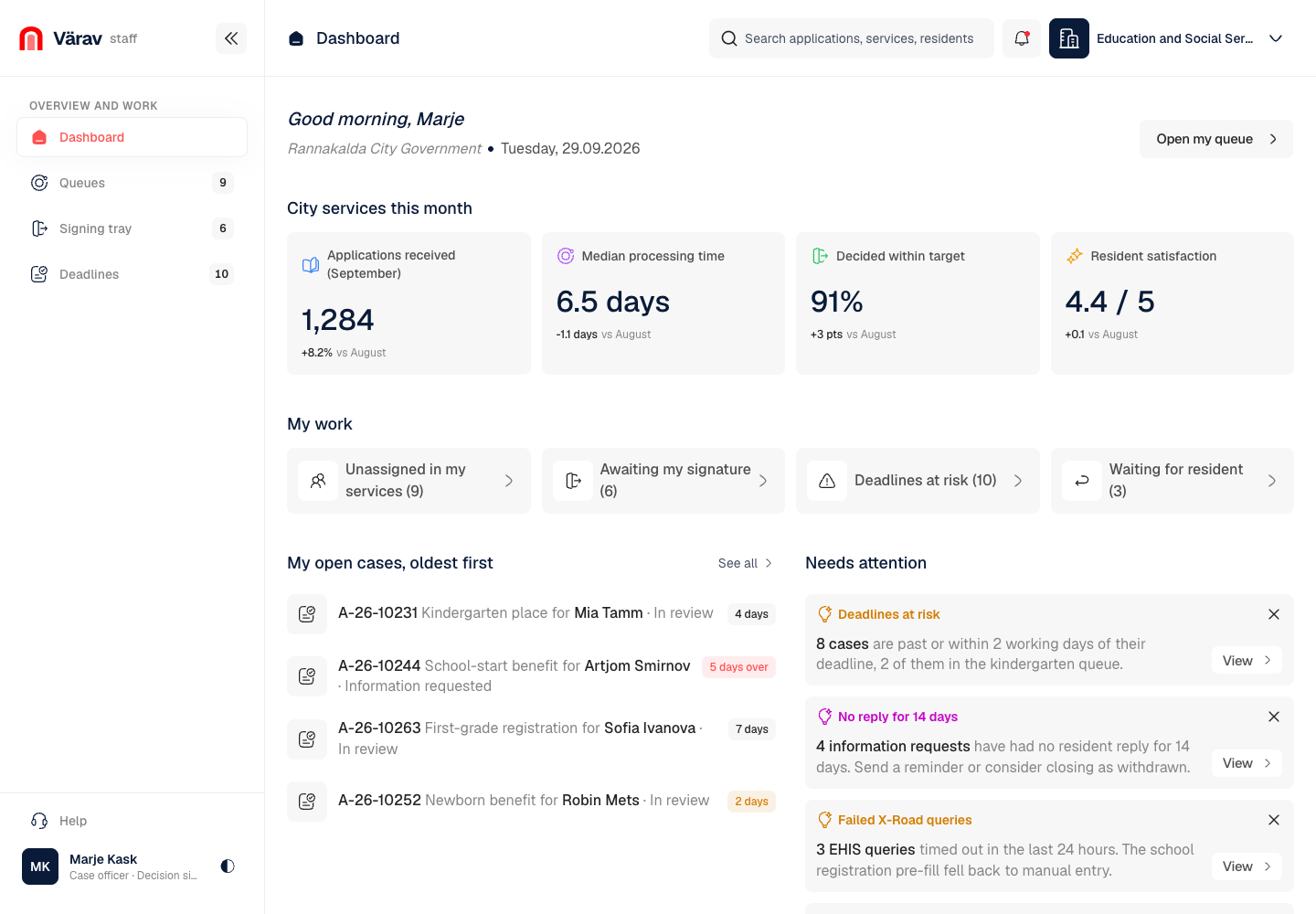
Värav - Citizen Services Portal Built on Estonia's eID and X-Road
Designed and built a clickable staff console for an Estonian city's resident services portal: service queues with eligibility results, case detail with register data pulled over X-Road, decision drafting with lawful reasons and appeal information, batch signing with eID and deadline tracking - so residents are never asked for data the state already holds.
Brolga - Case Management for a Fair Trading Regulator
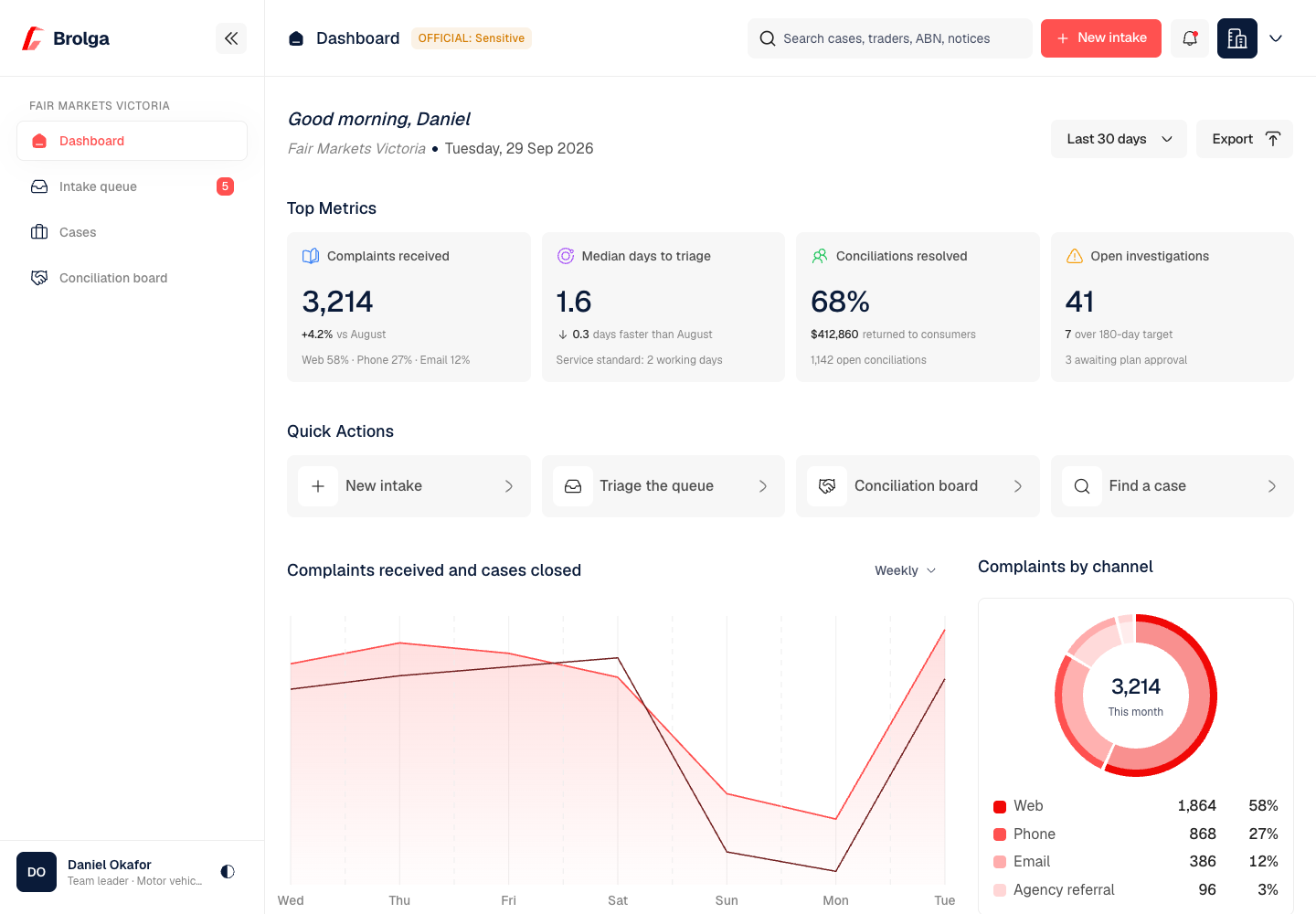
Designed and built a clickable case management system for a Victorian consumer affairs and fair trading regulator: one intake queue for web, phone, email and agency complaints, rule-based triage, a case workspace with every party, deadline and document, and a conciliation board that keeps dispute help separate from enforcement.
Enterprise Software Engineering - Human + AI
Contact Us
© 2026 - Copyright. All Rights reserved Oceanlab
Location
Global Headquarters
21 Merchant Road, 3rd Floor, Singapore 058267
Main corporate office and leadership operations
North America Office
548 Market Street, PMB 12345, San Francisco, CA 94104
Client operations and business development
India Office
402 Shivalik Shilp II, SG Highway, Ahmedabad 380015
Engineering and delivery center

Enterprise Software Engineering - Human + AI
Contact Us
Locations
Global Headquarters
21 Merchant Road, 3rd Floor, Singapore 058267
Main corporate office and leadership operations
North America Office
548 Market Street, PMB 12345, San Francisco, CA 94104
Client operations and business development
India Office
402 Shivalik Shilp II, SG Highway, Ahmedabad 380015
Engineering and delivery center
© 2026 - Copyright. All Rights reserved Oceanlab