Rimtang - Phone-as-Till QR and Tap-to-Pay App with an Operations Console
In-Store Payments Platform for a Thai Payment Provider
Designed a phone-as-till payments product for a Thai bank-owned payment service provider and its street merchants - dynamic Thai QR, tap to pay on the phone and cash - and built a clickable operations console where staff watch payments, match late QR confirmations by hand and approve the daily settlement run.
Most of our work is under NDA. Per agreement, we can share the work but not the company details - all names and identifying information shown here have been changed.
Impact
Ops dashboard, transaction monitoring, transaction detail, settlement runs and settlement run detail with its batches, holds and exceptions.
Every QR confirmation matched, card host totals agree, no batch for a frozen merchant, held batches excluded. Approve and send must come from a different person from the one who started the run.
Only the ITMX credit confirmation marks a QR payment paid. One that arrives after expiry lands in Pending confirmation, to be matched by hand with the ITMX reference and a second approver.
20 merchants with shops, devices and bank accounts, payments by domestic and cross-border Thai QR, 5 card schemes and cash, 3 refunds and 10 settlement runs.
The Problem
Klong Thong's small merchants took PromptPay through a static QR sticker on the counter. Payers typed the amount themselves, vendors glanced at a transfer slip to confirm it, fake and edited slips caused steady losses, and nobody knew at the end of the day what had come in by QR or by cash. Renting a card terminal did not pay for most stalls, so they turned card-paying tourists away, and Klong Thong's staff answered "did this payment arrive?" calls with no single place to look.
Our Solution
Rimtang turns the merchant's own phone into a terminal: a dynamic Thai QR with the amount in it, contactless cards tapped on the phone, cash records, receipts over LINE or SMS and next-morning settlement. Around it sit a merchant web portal and an operations console, where Klong Thong's staff look up any payment, resolve late QR confirmations and approve the daily payout to merchants.
The Challenge: A Till That Only Trusts the Bank
Rimtang is used by noodle stalls, coffee carts and market vendors on their own phones, and run by a licensed payment provider that has to prove every baht it pays out. The design had to be simple at the stall and strict behind it.
A Slip Is Not a Payment
A transfer slip on the payer's phone proves nothing. The app may show Paid only when Klong Thong receives the credit confirmation from National ITMX, so each charge needs a dynamic QR with its own reference, and a confirmation that arrives after the QR expires needs a person to match it.
Card Data on a Commercial Phone
Tap to pay on a merchant's own phone must follow the card schemes' programmes and PCI MPoC. Card data is read and encrypted inside a certified SoftPOS kernel, so Rimtang works with only the last four digits, approval codes and kernel and acquirer references.
Money Out Every Morning
Each night's run pays thousands of merchants from paid charges minus refunds, fees and 7% VAT on fees, plus adjustments such as lost chargebacks. Frozen merchants, risk holds and pending bank account changes must be held back, and failed payouts handled the next day.
Controls a Licence Expects
Under the Payment Systems Act the provider is supervised by the Bank of Thailand for risk and merchant due diligence. AML risk tiers become transaction limits, payer phone numbers fall under the PDPA, and every refund, hold, manual match and approval must record who, when and why.
Our Approach: From Thai Payment Rules to a Clickable Console
Spec and Rules Research
Mapped 10 roles across the merchant app, merchant web portal and operations console, 42 screens and the data model for merchants, shops, devices, charges, QR and card payments, refunds, receipts, daily closes, settlement runs, batches, disputes and risk flags. Wrote down the rules the design follows: the Payment Systems Act B.E. 2560, the Thai QR Payment standard on EMVCo, cross-border QR links, PCI MPoC for SoftPOS, Thai VAT and e-Tax Invoice, the PDPA and the Anti-Money Laundering Act.
Clickable Demo on a Production UI Kit
Built 5 key screens of the operations console on a production dashboard kit: the dashboard with live feed health, today's KPIs, volume by method by hour and today's settlement run, transaction monitoring with tabs, filters, search and a quick view panel, transaction detail with mark as paid manually and refund for the merchant, and settlement runs and run detail with approve and send, release a hold, move a batch, retry a failed payout and export the payout file. All actions run on local state.
What a Production Build Adds
The merchant app for iOS and Android, the public e-receipt page and the merchant web portal, plus the remaining ops screens for merchants, risk flags, disputes, devices, support, audit log and settings. Integration with National ITMX through the parent bank, the card acquiring host, a SoftPOS kernel such as MyPinPad or Phos, Apple Tap to Pay on iPhone, the LINE Messaging API, SMS, an e-Tax Invoice provider and push alerts, with bank single sign-on for staff and an append-only audit log.
Why It Works: The Bank's Word, Two People and a Reason
Late Confirmations Have a Home
A QR payment confirmed after expiry is flagged on its own record and listed under Pending confirmation, with the QR reference, ITMX reference and full event timeline side by side. Marking it paid asks for the ITMX reference and a second approver.
Feeds That Say When They Go Quiet
The dashboard shows QR confirmations and card approvals per minute, median QR confirmation time and card approval rate against the last hour, and turns red when the ITMX or card host feed has been silent for more than 2 minutes.
Settlement Behind Checks and Four Eyes
Start run stays disabled until the 23:00 cut-off. A run shows gross, refunds, fees with 7% VAT, adjustments, held and net, every check must pass before approval, and the approver cannot be the person who started the run.
Every Exception Explained
Held batches state why: risk hold, frozen merchant or bank account change under review. Failed payouts carry the bank's reason, such as an account closed or a name mismatch, and can be retried or moved to the next run.
Related case studies
View all: Payments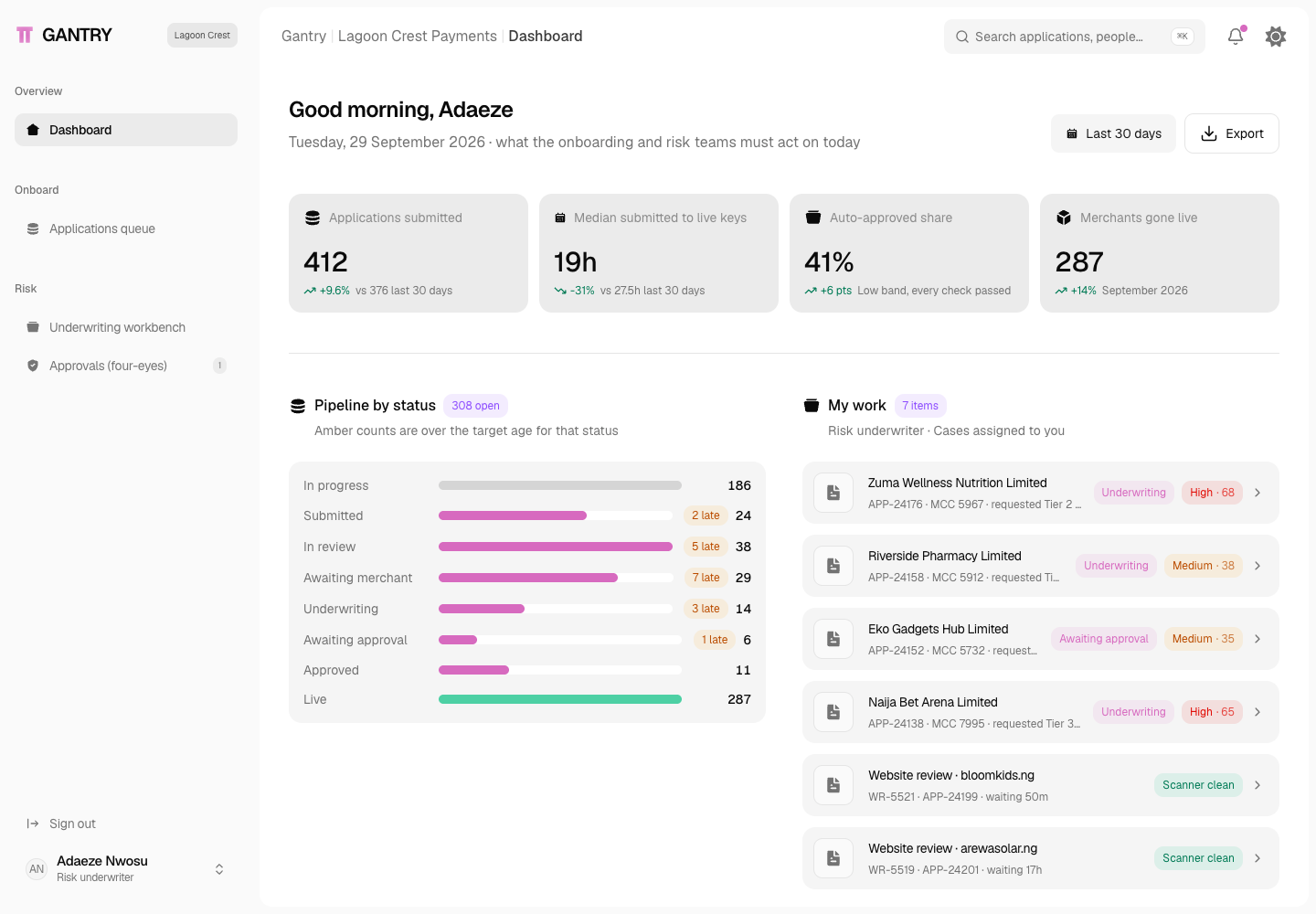
Gantry - Merchant Onboarding and KYB Platform with Four-Eyes Underwriting
Designed and built a clickable merchant onboarding and KYB console for a CBN-licensed payment gateway in Lagos: an applications queue, a case review that checks CAC, BVN, NIN, liveness and the settlement account name in one place, an underwriting workbench with an explainable risk score, limits and rolling reserves, and four-eyes approvals bound to each approver's mandate.
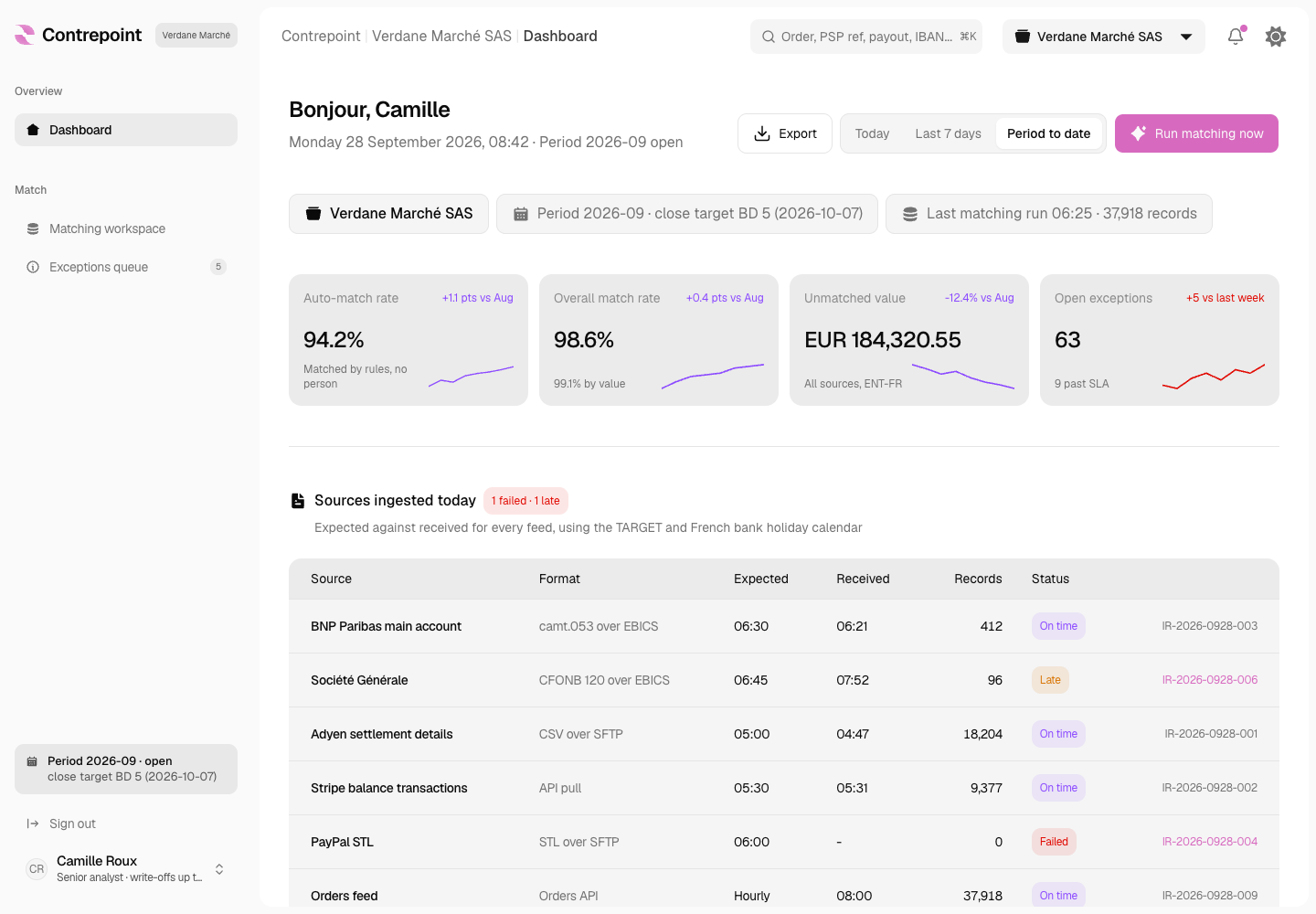
Contrepoint - Three-Way Reconciliation Engine for Orders, PSP Payouts and Bank Lines
Designed and built a clickable reconciliation engine for a Lyon-based marketplace group paid through Adyen, Stripe, PayPal and SEPA: it matches orders to PSP transactions, payouts and bank statement lines, explains every suggestion, turns what is left into a worked exceptions queue and traces each match to the journal entries it posts.
Enterprise Software Engineering - Human + AI
Contact Us
© 2026 - Copyright. All Rights reserved Oceanlab
Location
Global Headquarters
21 Merchant Road, 3rd Floor, Singapore 058267
Main corporate office and leadership operations
North America Office
548 Market Street, PMB 12345, San Francisco, CA 94104
Client operations and business development
India Office
402 Shivalik Shilp II, SG Highway, Ahmedabad 380015
Engineering and delivery center

Enterprise Software Engineering - Human + AI
Contact Us
Locations
Global Headquarters
21 Merchant Road, 3rd Floor, Singapore 058267
Main corporate office and leadership operations
North America Office
548 Market Street, PMB 12345, San Francisco, CA 94104
Client operations and business development
India Office
402 Shivalik Shilp II, SG Highway, Ahmedabad 380015
Engineering and delivery center
© 2026 - Copyright. All Rights reserved Oceanlab