Fortnight - Payroll Tax and Filing Workbench for an Australian Payroll Bureau
STP, Super and Payroll Tax for Every Client
Designed and built a clickable filing workbench for a Brisbane payroll bureau that runs payroll for about 380 Australian employers: a pay run board with cut-off timers, a pay run review with automated checks and a four-eyes rule, STP Phase 2 lodgments with plain-English ATO guidance, and state payroll tax returns with group apportionment.
Most of our work is under NDA. Per agreement, we can share the work but not the company details - all names and identifying information shown here have been changed.
Impact
Dashboard, pay runs board and table, pay run detail with the employee pay line panel, STP submissions with the submission panel, and payroll tax returns with the return panel.
A second approver is needed when gross is above A$250,000 or moves more than 10% from the previous comparable pay run, and the person who reviewed a pay run cannot give its second approval.
TFN declarations, super at the SG rate, negative net pay, payroll tax registration for each state of work, bank changes in the last 7 days, YTD continuity from the last accepted STP event and gross variance, each shown as pass, warn or fail.
16 employer clients across all 8 states and territories, 24 pay runs, 20 STP submissions, 20 payroll tax returns and 8 bureau staff users.
The Problem
Banksia Row processes around 1,100 pay runs a month. Pay calculation already ran in a payroll engine, but everything after it lived in spreadsheets and inboxes: STP rejections sat unread for days, super had to move from quarterly batches to every payday, and payroll tax was worked out per client in a workbook that could not group related employers. The bureau missed state payroll tax due dates in one year, paid the interest and penalty tax for its clients and lost two of them.
Our Solution
Fortnight sits on top of the pay calculation and gives every obligation a status, a due date and an owner, per client and per jurisdiction. Payroll officers review each pay run against automated checks, lodge STP Phase 2 pay events and fix ATO responses, while the compliance team prepares state payroll tax returns with group apportionment and records each lodgment and payment.
The Challenge: Every Pay Run Creates Filings
Each pay run a bureau processes sets off obligations to the ATO, to super funds and to the state revenue offices, each with its own format, deadline and rules, multiplied across hundreds of employers paying wages in up to eight jurisdictions.
STP on or Before Payday
Employers report each employee's pay to the ATO through STP each time they pay, generally on or before payday. Phase 2 breaks gross pay into categories and adds income types, employment basis and tax treatment codes, and rejections come back as coded messages that someone has to read, fix and resubmit.
Super Paid With Wages
Under Payday Super, from 1 July 2026, the Superannuation Guarantee is generally paid at the same time as wages and must reach the employee's fund within a set number of business days, generally 7. Contributions travel through SuperStream with matching data and a payment reference.
Payroll Tax in Eight Jurisdictions
Each state and territory has its own payroll tax act, revenue office, threshold, rate, return frequency and levies. Related businesses are grouped and share one threshold, apportioned across the places they pay wages, so two clients with a shared director change each other's returns.
Tax File Numbers and Approvals
The Privacy Act 1988 and the Privacy (TFN) Rule 2015 limit how TFNs are used and stored, a bureau needs the employer's authorisation to lodge for them, and large or unusual pay runs need a second person before money moves.
Our Approach: From Payroll Rules to a Clickable Workbench
Spec and Rules Research
Mapped 9 user roles, 42 screens across the bureau workbench, the employer portal and a mobile-first payslip portal, and the data model for employer clients, employees, pay runs and pay lines, STP submissions and ATO responses, corrections, super batches, payroll tax groups and returns, workers' comp declarations and obligations. Wrote down the rules the design follows: STP Phase 2, update events and finalisation, PAYG withholding, the Superannuation Guarantee and Payday Super, SuperStream, state and territory payroll tax with grouping, workers' compensation, Fair Work payslip and record rules, and TFN privacy.
Clickable Demo on a Production UI Kit
Built 5 key screens on a production dashboard kit: the dashboard with KPIs, today's pay runs, obligations this week, STP health and needs-attention items; the pay runs board with variance chips and cut-off timers; the pay run detail with an 8-step progress rail, checks, pay lines and the employee pay line panel; STP submissions with ATO responses and suggested fixes; and payroll tax returns with wages by category and group apportionment. Actions such as approve, send back, mark resolved, prepare returns and record lodgment run on local state.
What a Production Build Adds
Integration with the payroll engine (such as KeyPay), an STP sending service provider (such as Ozedi or MessageXchange), super clearing (such as Beam or QuickSuper), the ATO Fund Validation Service, ABN Lookup, ABA bank files, bank feeds, and Xero, MYOB or QuickBooks Online. Staff SSO, one-time codes for employer approvers and employees, encrypted TFNs, versioned tax tables and payroll tax settings, an append-only audit log, and the remaining screens: clients, corrections, EOFY finalisation, super batches, groups, workers' comp, reconciliation, the calendar, settings and both portals.
Why It Works: Late Shows Before It Is Late
Cut-Offs on Every Card
The pay runs board has a column per status, and each card shows its payday, gross, the change from the last comparable pay run and the client's approval cut-off, amber when it is close and red once it has passed.
Checks Before Money Moves
A pay run lists each automated check with its detail, such as an employee taxed at the no-TFN rate or a bank account changed in the last 7 days. The pay line panel shows the earnings by Phase 2 category next to Fortnight's own withholding recalculation.
ATO Codes in Plain English
Each STP response shows the code, the field it concerns, the affected employees, what it usually means and the fix. Warnings that need no change can only be marked resolved with a reason.
Group Thresholds Worked Out
A payroll tax return shows wages by category with their source, exempt wages, the threshold share after group apportionment and the levies, then records the revenue office reference and payment, since lodgment happens in each state's own portal.
Related case studies
View all: Accounting & tax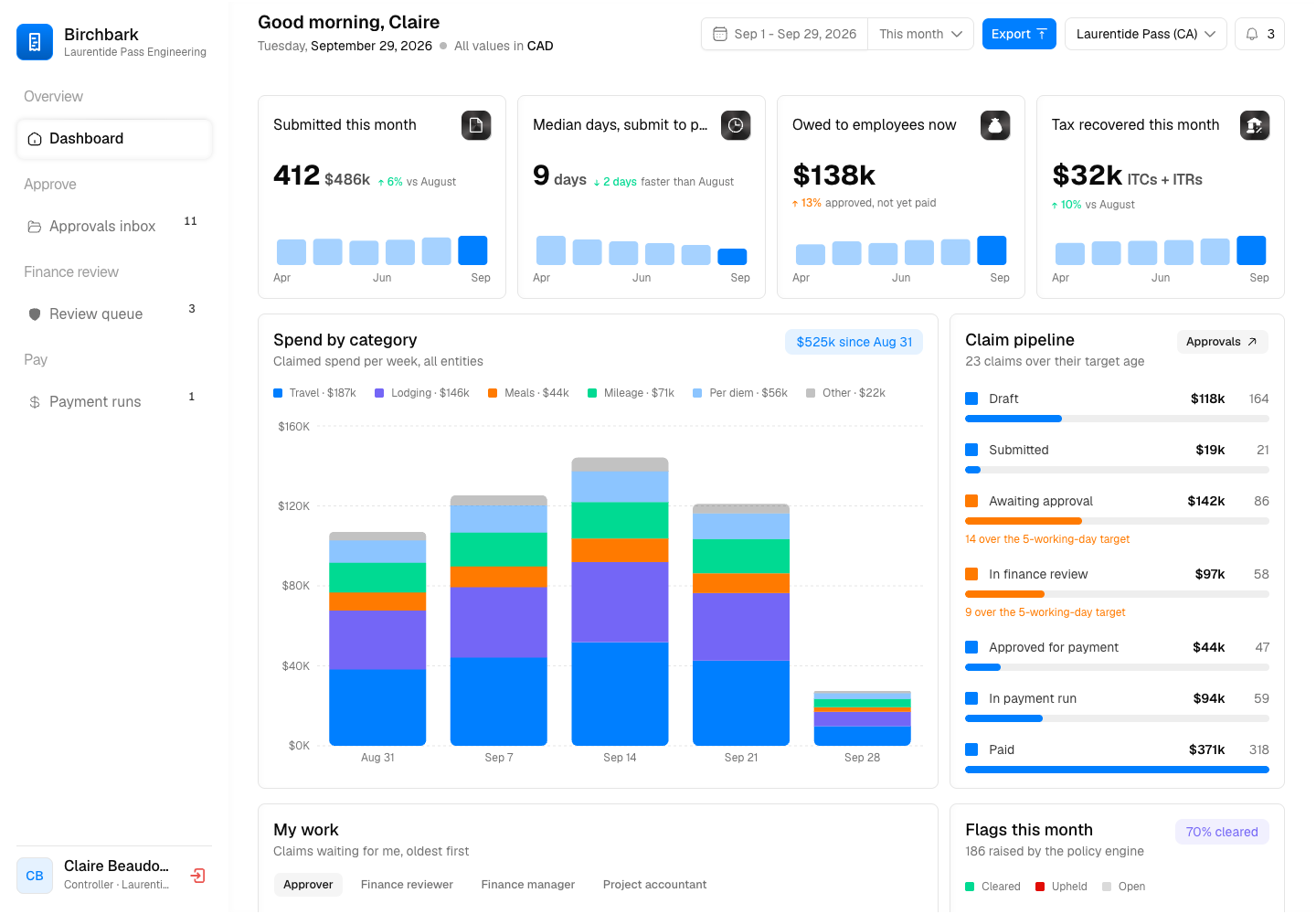
Birchbark - Expense Management with GST/HST and QST Recovery Built In
Designed and built a clickable expense management platform for a Canadian consulting engineering firm: approvers decide claims line by line with policy flags, finance audits flagged and sampled claims, GST/HST and QST are read from each receipt for input tax credits, and approved claims are reimbursed in EFT payment runs.
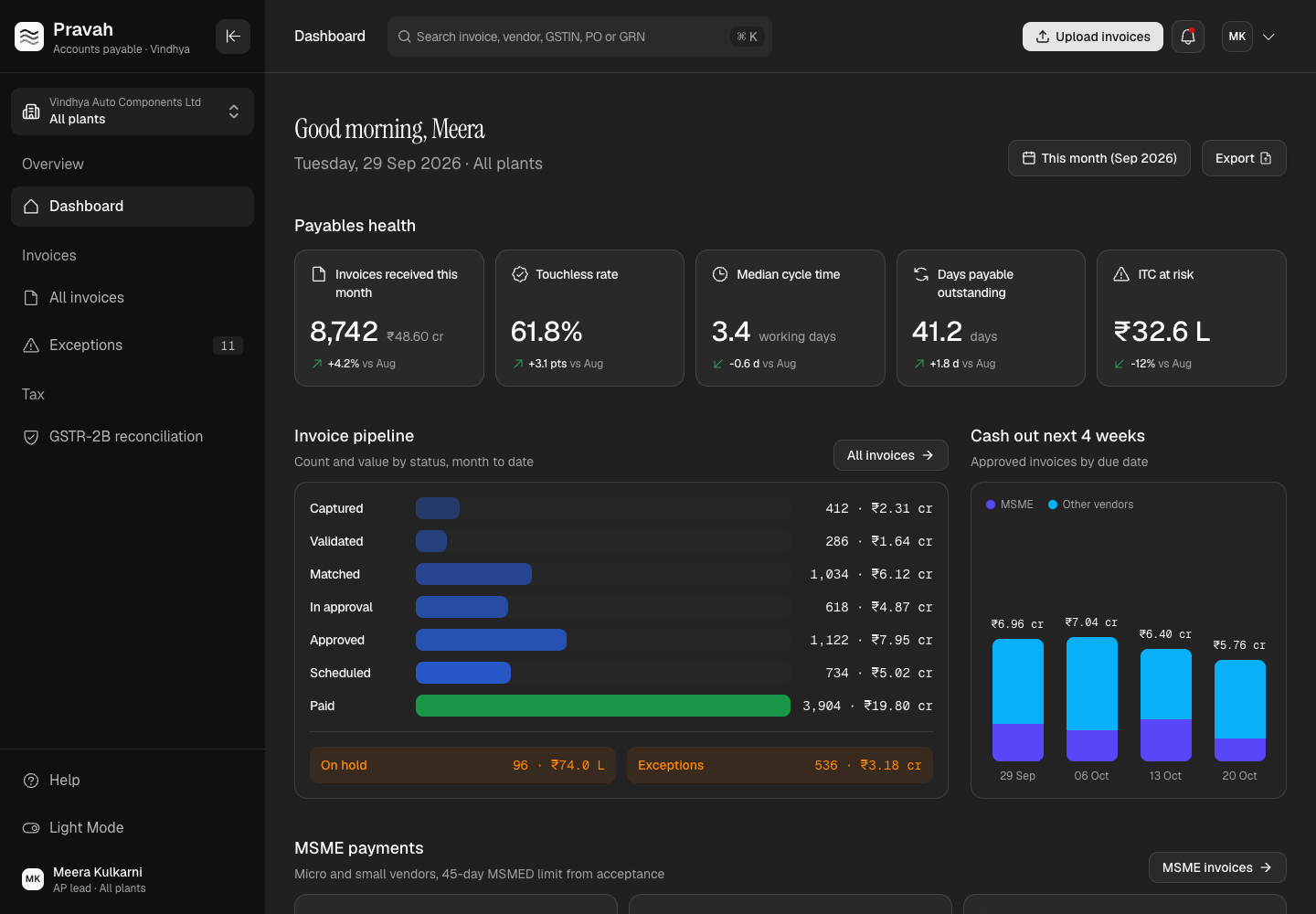
Pravah - Accounts Payable Automation with GST, TDS and MSME Rules Built In
Designed and built a clickable accounts payable platform for an Indian auto components maker with four plants and a GSTIN in each state: invoice capture with field confidence, three-way matching against POs and goods receipts, GST and TDS per invoice, MSME due dates from the acceptance date, an exceptions queue and GSTR-2B reconciliation.
Enterprise Software Engineering - Human + AI
Contact Us
© 2026 - Copyright. All Rights reserved Oceanlab
Location
Global Headquarters
21 Merchant Road, 3rd Floor, Singapore 058267
Main corporate office and leadership operations
North America Office
548 Market Street, PMB 12345, San Francisco, CA 94104
Client operations and business development
India Office
402 Shivalik Shilp II, SG Highway, Ahmedabad 380015
Engineering and delivery center

Enterprise Software Engineering - Human + AI
Contact Us
Locations
Global Headquarters
21 Merchant Road, 3rd Floor, Singapore 058267
Main corporate office and leadership operations
North America Office
548 Market Street, PMB 12345, San Francisco, CA 94104
Client operations and business development
India Office
402 Shivalik Shilp II, SG Highway, Ahmedabad 380015
Engineering and delivery center
© 2026 - Copyright. All Rights reserved Oceanlab