Darwaza - Smart Building Access Console for Six Office Towers
Building Access Platform for a Kuwait City Landlord
Designed and built a clickable security console for a Kuwait City landlord with six multi-tenant office towers: one alarm queue sorted by priority and age, visitor check-in with ID checks that keep only the last four characters, and an emergency console that records who is inside but never controls escape route doors.
Most of our work is under NDA. Per agreement, we can share the work but not the company details - all names and identifying information shown here have been changed.
Impact
Dashboard, alarm queue, alarm detail, visitors today with the visit panel and walk-in form, and the emergency console with the muster report. Every one of the 24 demo alarms opens its own detail page.
Reception records the ID type, issuing country and last four characters. A full Civil ID number, a scan of the card or an ID photo is never stored, and no face matching is used anywhere.
Starting a lockdown needs a second security manager to confirm within 2 minutes, or the request expires. Lockdown locks entry only; exit always stays free.
13,441 people inside, 16 tenants, 14 doors, 24 alarms across 8 alarm types, 26 visits, 2 watchlist entries, 6 emergency events and a fire drill running at Shu'ai Tower.
The Problem
Sadaf Crescent bought its six towers over fifteen years, and each came with its own access control system, card format and reception habits. New joiners waited up to three days for a plastic card, tenants emailed spreadsheets of leavers, and an internal audit found more than 900 active cards belonging to people who had left. Visitors queued while a guard phoned the host and copied Civil ID details into a paper book, real alarms were lost among nuisance alarms from a loading bay door, and during the last fire drill nobody could say who was still inside.
Our Solution
Darwaza sits on top of the towers' existing access control system and gives each group its own tool: a phone and wallet credential app for occupants, a portal where each tenant manages and offboards its own staff, reception kiosks in every lobby, and a landlord security console for alarms, visitors, contractors, devices and emergencies. The build covers the console screens a security manager uses every day.
The Challenge: Six Towers, One Front Door
About 18,000 people pass through the turnstiles of Sadaf Crescent's towers on a working day, working for roughly 140 tenant companies. Access has to be fast for them, strict for the control room and careful with personal data, while the fire alarm system keeps the last word on every escape route.
Leavers Who Kept Their Cards
Tenants are the employers of most occupants, so only they know who has left. Offboarding by spreadsheet left hundreds of live credentials behind. Each tenant needs to manage its own people, with its data kept separate from every other tenant's.
Real Alarms Lost in the Noise
Door-forced and door-held alarms from all six towers landed in one undifferentiated list. Most came from one loading bay door, so operators stopped trusting the list and real events waited.
Identity Checks Without Hoarding Data
Visitors show a Civil ID or a passport. Kuwait's CITRA privacy regulation sets the baseline Sadaf Crescent follows: a notice before collection, a stated purpose and the minimum data needed. Copying full ID numbers into a book was the opposite.
Emergencies Where Egress Comes First
Under the towers' fire codes, doors on escape routes release on a fire alarm through the fire panel's own hardwired interface, and people can always leave. The access platform must never delay that, yet still tell wardens who is inside.
Our Approach: From Access Rules to a Clickable Console
Spec and Rules Research
Mapped 11 roles, from control room operator and reception officer to tenant admin, occupant and contractor supervisor, and 58 screens across the security console, tenant portal, occupant app, reception kiosk and magic link pages. Defined the data model for towers, doors, credentials, versioned access levels, append-only access events, alarms, visits, permits to work, emergency events and a hash-chained audit log, and wrote down the rules the design follows: CITRA privacy principles, Civil ID handling, no biometrics, Kuwait Fire Force egress rules, surveillance camera rules and the Sunday to Thursday working week with Ramadan schedules.
Clickable Demo on a Production UI Kit
Built 5 console screens on a production dashboard kit: the dashboard with people inside by tower, entries by hour against the Wednesday average, the alarm queue preview and device health; the alarm queue with acknowledge, assign and the nuisance-door callout; the alarm detail with camera reference, door timeline, response checklist, remote lock and resolve; visitors today with ID check, watchlist decision and walk-in; and the emergency console with lockdown, drills and the muster report. Every screen follows the tower switcher in the top bar, and all actions run on local state.
What a Production Build Adds
Integration with the access control system (such as Genetec, LenelS2, Gallagher or Honeywell), HID Mobile Access and wallet badges, lift destination dispatch, Milestone XProtect camera clips, the read-only fire alarm input, SCIM employee sync, Twilio messaging and kiosk badge printers. Staff SSO with role-based access, the audit log, retention periods confirmed by counsel, the Arabic right-to-left interface, and the remaining screens: the tenant portal, occupant app, kiosk, access levels, permits, devices, reports and settings.
Why It Works: Calm Control Room, Free Exits
One Queue Sorted by Priority and Age
Alarms are ranked P1 to P3 and then by age, which turns amber after 2 minutes and red after 5. Acknowledging claims an alarm, and a door with more than 10 alarms in 24 hours gets its own callout with acknowledge all and a maintenance request.
A Checklist for Every Alarm Type
Each of the 8 alarm types opens with its own response checklist, the door's timeline for the minutes around the alarm and the nearest cameras. Resolving asks for a cause from a fixed list, and a remote door command needs a reason.
A Person Decides at Reception
A possible watchlist match shows as a red row and a callout, and a reception officer or security manager chooses to admit with escort or deny. The system never denies anyone automatically, and only the last four ID characters are kept.
The Fire Panel Keeps Control of Exits
The emergency console says plainly that escape route doors are released by the fire alarm system. Darwaza only listens for the signal and starts the muster report: last seen inside, marked safe, and visitors and contractors still in the building.
Related case studies
View all: Real estate & PropTech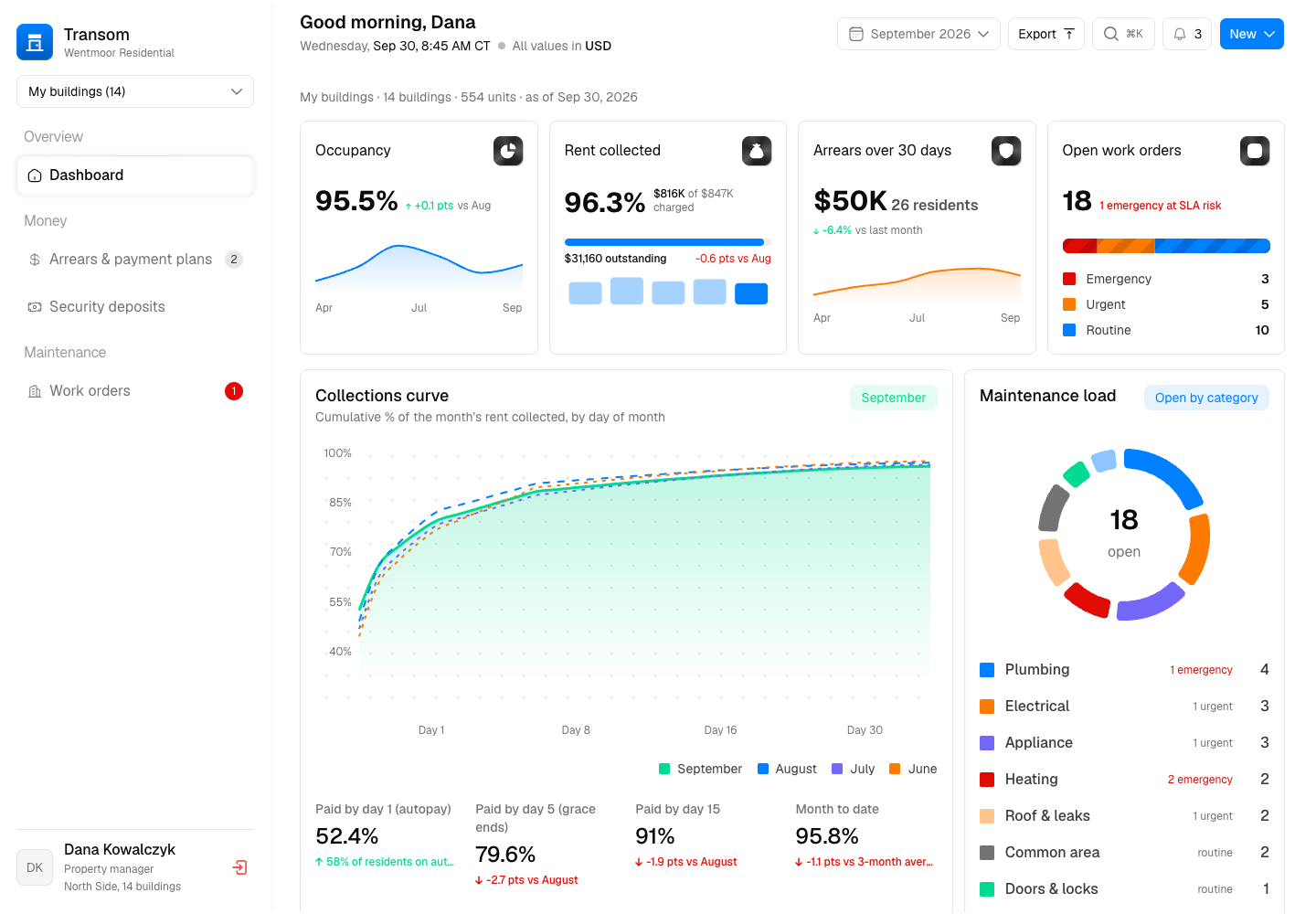
Transom - Property Management Platform and Tenant Portal for Chicago Apartments
Designed and built a clickable property management platform for a Chicago manager of about 4,200 apartments: a dashboard of occupancy, collections and open repairs, arrears worked through the same steps for every resident, security deposits tracked under Chicago and Illinois rules, and work orders with SLA clocks, entry permission and owner approval limits.
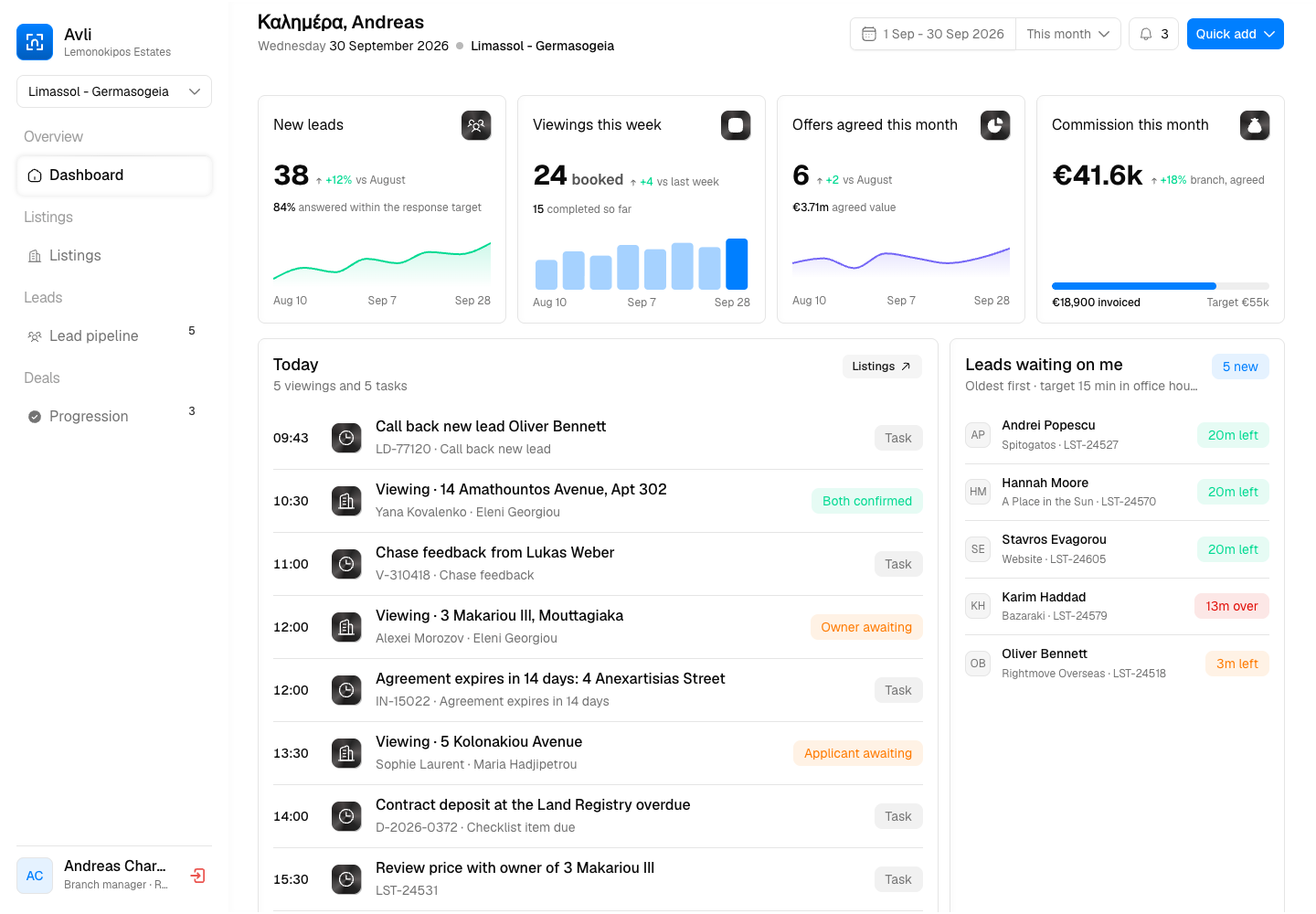
Avli - Listings and Agent CRM for a Cypriot Estate Agency
Designed and built a clickable listings and agent CRM for a Cypriot sales and lettings agency with 22 branches and about 180 agents: listings with EPC and agency agreement checks, portal syndication, a lead pipeline with response timers, offers that wait for AML clearance, and a progression checklist from reservation to transfer of title.
Enterprise Software Engineering - Human + AI
Contact Us
© 2026 - Copyright. All Rights reserved Oceanlab
Location
Global Headquarters
21 Merchant Road, 3rd Floor, Singapore 058267
Main corporate office and leadership operations
North America Office
548 Market Street, PMB 12345, San Francisco, CA 94104
Client operations and business development
India Office
402 Shivalik Shilp II, SG Highway, Ahmedabad 380015
Engineering and delivery center

Enterprise Software Engineering - Human + AI
Contact Us
Locations
Global Headquarters
21 Merchant Road, 3rd Floor, Singapore 058267
Main corporate office and leadership operations
North America Office
548 Market Street, PMB 12345, San Francisco, CA 94104
Client operations and business development
India Office
402 Shivalik Shilp II, SG Highway, Ahmedabad 380015
Engineering and delivery center
© 2026 - Copyright. All Rights reserved Oceanlab