Tallyman - Intelligent Document Processing for Trade and Customs Documents
Document Processing Platform for a Rotterdam Freight Forwarder
Designed and built a clickable document processing platform for a Rotterdam freight forwarder and customs representative: it classifies commercial invoices, packing lists, bills of lading, air waybills and certificates of origin, extracts each field with a confidence score, checks it against business rules and sends only the uncertain fields to a person in a side-by-side review workspace.
Most of our work is under NDA. Per agreement, we can share the work but not the company details - all names and identifying information shown here have been changed.
Impact
Dashboard, documents list with quick view, document detail with 6 tabs, validation queue and the side-by-side review workspace. Every document in the queue opens its own review.
Critical fields (consignee, invoice total, gross weight, container number, HS code) need 97% confidence to pass untouched, other fields 90% and classification 85%. Anything below goes to a person.
Including line totals plus freight against the invoice total, commodity code format and existence, the ISO 6346 container check digit, net weight not above gross, and packing list against B/L gross weight within 2%.
6 document types from 6 channels across 10 shipment files, with 14 parties, 9 model and prompt versions and 7 staff users. All companies and people are fictional.
The Problem
Merwedijk's back office received roughly 2,500 documents a working day, mostly PDFs attached to emails, some scanned paper and some spreadsheets. Twenty-two clerks re-keyed invoice lines, weights, container numbers and HS codes into CargoWise by hand. A typing error meant a rejected declaration, a hold at the terminal or demurrage, peaks after a vessel arrival created two-day backlogs, and nobody could say how often data was wrong or where it came from.
Our Solution
Tallyman takes in every shipment document from shared inboxes, customer SFTP drops and the office scanners, classifies each page, extracts the fields with OCR and a language model, scores each field's confidence and checks the result against business rules. Uncertain fields go to an operator who sees the source page beside the data, and clean data is exported to CargoWise and SAP. Merwedijk's own target is at least 60% of documents straight through, with critical fields at 99% accuracy or better.
The Challenge: Trade Data That Has to Be Right
A forwarder acting as customs representative carries the cost of every wrong digit. The documents come from hundreds of suppliers in every layout, and the data taken from them feeds customs declarations, the TMS and the ERP.
Every Supplier Prints Differently
Invoices arrive as email PDFs, scans, spreadsheets and UBL files. Numbers are printed as 1.234,50, weights in pounds instead of kilograms, and an invoice can show both a subtotal and a total with freight. The product has to keep what was printed and what it means side by side.
Codes With Fixed Formats
Commodity codes run from the 6-digit HS code to the 8-digit CN code and the 10-digit TARIC code. Container numbers carry an ISO 6346 check digit, ports use UN/LOCODE, currencies ISO 4217 and delivery terms Incoterms 2020. One misread character is enough to stop a declaration.
The Software Must Not Decide
Tallyman reads what the document says and checks format and existence. It never picks a commodity code on its own authority: a doubtful or 8-digit code is flagged for a customs declarant, and a preferential origin claim is checked by a person before it is used.
AI With an Audit Trail
The EU AI Act asks for staff AI literacy and transparency, GDPR applies to the names, phone numbers and signatures on trade documents, and the Union Customs Code requires supporting documents to be kept (Merwedijk keeps them for seven years). Every value needs its source, confidence and model version.
Our Approach: From Customs Rules to a Clickable Pipeline
Spec and Rules Research
Mapped 8 roles, from document operator and customs declarant to AI engineer, privacy officer and shippers without a login, 32 screens across the staff app and a mobile upload portal, and the data model for envelopes, documents, fields with history, business rules, routing policies, parties, shipment files, exports and model versions. Wrote down the rules the design follows: the EU AI Act, GDPR, the Union Customs Code, HS, CN and TARIC codes, EORI and VIES checks, ISO 6346, eFTI and EN 16931 e-invoicing.
Clickable Demo on a Production UI Kit
Built 5 key screens on a production dashboard kit: the dashboard with KPIs, pipeline by stage, work by role and needs attention, the documents list with confidence and rule counts, the document detail with fields, page view, rules, parties, exports and activity, the validation queue with SLA countdowns, and the review workspace. The account menu switches between operator, team lead, declarant and AI engineer, and confirmations, approvals and exceptions update every screen.
What a Production Build Adds
Ingestion from Microsoft 365, SFTP, network scanners and a Peppol access point, OCR such as Azure AI Document Intelligence, a language model in an EU data region, Presidio redaction, TARIC reference data, EORI and VIES checks, and exports to CargoWise, SAP and Portbase. Plus role-based access, a tamper-evident audit log, and the remaining screens: inbox, shipments with cross-document checks, exceptions, export jobs, accuracy and sample audits, model version promotion with a second approver, settings and the upload portal.
Why It Works: People Check Only What Is Uncertain
The Source Sits Beside the Value
The review workspace puts the page on the left and the fields to check on the right, with the focused field boxed on the page, the printed text as a snippet and numbered suggestions such as a subtotal against a total with freight. Enter confirms and a number key picks a suggestion.
Approve Only When It Is Safe
Approve stays disabled until every field below its threshold is confirmed and no blocking rule fails. Rules re-run as fields change, and the line items grid shows the sum of line totals against the invoice total live. Overriding a blocking rule needs a team lead and a reason.
Every AI Value Is Marked
A sparkle marker shows each value a model extracted that no person has confirmed. Every document shows the classification, extraction and prompt version behind it, and each field keeps its history of values, sources and who confirmed them.
The Queue Follows the Ship
Documents for a vessel arriving within 24 hours are high priority with a 60-minute SLA, others get 4 hours. The SLA turns amber under 30 minutes and red when breached, and Start next opens the highest-priority document with the nearest SLA. Personal data an operator does not need is blurred, and every Show is logged.
Related case studies
View all: AI agents & automation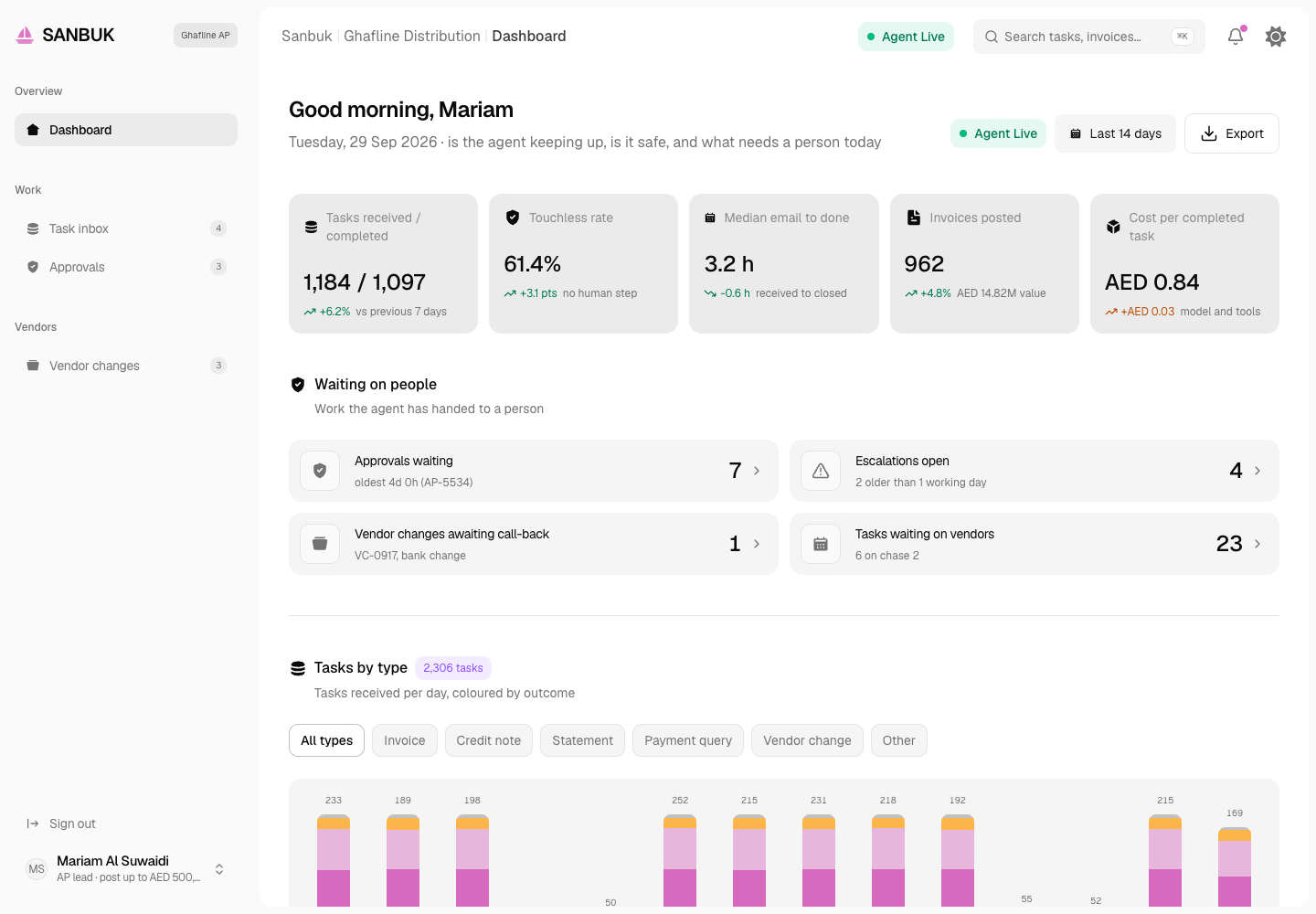
Sanbuk - Accounts Payable Agent with an Operator Console and Approval Gates
Designed and built a clickable back-office agent for a Dubai mainland distributor: it reads the AP and vendor mailboxes, matches invoices to POs and goods receipts, checks UAE tax invoice fields, drafts replies and posts to the ERP, while people approve by amount, see every tool call and handle every bank detail change themselves.
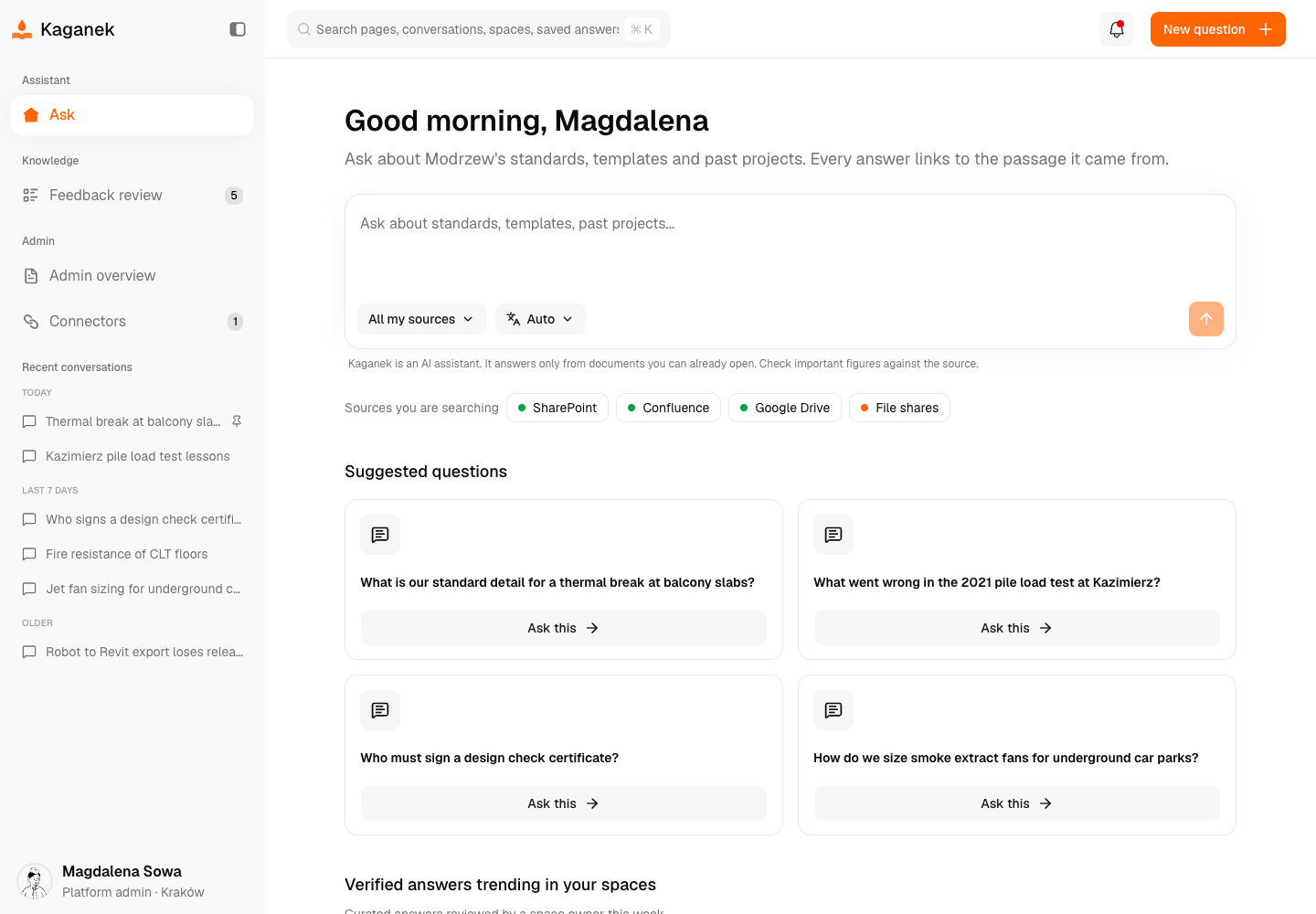
Kaganek - RAG Knowledge Assistant with Citations and Permissions Intact
Designed and built a clickable internal knowledge assistant for a Kraków consulting engineering firm: staff ask in Polish or English and get answers built only from the firm's own SharePoint, Confluence, Google Drive and file share documents, with every claim linked to its source passage and an honest "I don't know" when the sources are weak.
Enterprise Software Engineering - Human + AI
Contact Us
© 2026 - Copyright. All Rights reserved Oceanlab
Location
Global Headquarters
21 Merchant Road, 3rd Floor, Singapore 058267
Main corporate office and leadership operations
North America Office
548 Market Street, PMB 12345, San Francisco, CA 94104
Client operations and business development
India Office
402 Shivalik Shilp II, SG Highway, Ahmedabad 380015
Engineering and delivery center

Enterprise Software Engineering - Human + AI
Contact Us
Locations
Global Headquarters
21 Merchant Road, 3rd Floor, Singapore 058267
Main corporate office and leadership operations
North America Office
548 Market Street, PMB 12345, San Francisco, CA 94104
Client operations and business development
India Office
402 Shivalik Shilp II, SG Highway, Ahmedabad 380015
Engineering and delivery center
© 2026 - Copyright. All Rights reserved Oceanlab