Garita - Multi-Tenant Log Search and Detection Platform for an MSP SOC
Lightweight SIEM for a Central American Managed Service Provider
Designed and built a clickable SIEM-lite for a Guatemala City managed service provider that monitors about 85 small and medium-sized clients: one common log schema, a tenant scope the analyst cannot remove, ATT&CK-mapped detections, an SLA-timed alert queue and cases where no containment runs without the approval each client's contract requires.
Most of our work is under NDA. Per agreement, we can share the work but not the company details - all names and identifying information shown here have been changed.
Impact
SOC dashboard, alert queue, alert detail, log search and case detail. Every one of the 26 demo alerts opens its own detail page, and search runs on a small working query engine with filters, wildcards, CIDR ranges and stats.
13 detection rules across 9 ATT&CK tactics, from T1110.003 Password Spraying to T1114.003 Email Forwarding Rule. Each states its logic in plain words, with triage notes and its false positive rate over 30 days.
Pre-authorised, client approver, or SOC lead and client, set per action type in each tenant's contract. The requester can never approve their own action, and phone approvals record a witness where the contract asks for one.
12 client tenants in 5 countries on 3 contract tiers, 24 log sources, 239 parsed events, 26 alerts, 6 cases, 8 containment actions and 8 SOC staff users.
The Problem
Pinabete sold 24x7 monitoring but delivered it with a patchwork: one open-source log stack shared by every client, an EDR console per vendor, the Microsoft 365 admin centre per tenant, and alerts arriving as ticket emails. All clients' logs sat in one index, so a careless query could put one client's data in another's report. Rules fired the same false positives every night, containment was agreed on WhatsApp with no record of who approved it, and monthly reports took two days per client in a spreadsheet.
Our Solution
Garita collects each client's Windows, Microsoft 365, Entra ID, firewall, EDR and cloud logs into its own isolated tenant and one common schema. Analysts search with a pipe-based query language, work an alert queue timed against each client's contract SLA, and handle incidents as cases with evidence, chain of custody and containment that waits for the approval the contract requires.
The Challenge: One SOC, 85 Clients, 85 Contracts
An MSP SOC watches many small organisations at once with a small team. Every client has its own systems, its own contract terms and often its own country's rules, and the analysts must never mix them up.
Client Data That Must Never Mix
Every event, alert, case and report has to belong to exactly one client. With all logs in one shared index, isolation depended on each analyst writing the right filter, and two clients asked during their own audits for proof of who had looked at their logs.
Contracts Set the Rules, Not One Law
Guatemala generally has no comprehensive personal data protection law, so storage, use and retention of client logs are set mainly by each client's contract. Clients in Costa Rica, Panama or El Salvador, card-data clients under PCI DSS v4.0.1 and clients with EU customers each bring different terms.
Too Many Sources, Too Much Noise
Windows event logs, Microsoft 365 audit, Entra ID sign-ins, firewall syslog, EDR alerts and cloud audit logs all arrive in different shapes. Analysts copied indicators between six tabs, and noisy rules fired the same false positives every night.
Containment Without a Record
Disabling an account, isolating a host or blocking an address changes a client's systems. Each client's contract says which actions are pre-authorised and who must approve the rest, but approvals were given on WhatsApp with no trace of who, when or how.
Our Approach: From SOC Practice to a Clickable SIEM
Spec and Rules Research
Mapped 10 user roles, from L1 analyst and detection engineer to client approver, and 33 screens across staff tools, a client portal and a mobile approval page. Defined the data model for tenants, contract tiers, log sources, parsers, events, rules, alerts, cases, evidence, actions and approvals. Wrote down the rules the design follows: server-side tenant isolation, an OCSF-based schema, ATT&CK tagging, NIST SP 800-61 case stages, PCI DSS log retention and contract-based approval.
Clickable Demo on a Production UI Kit
Built 5 key screens on a production dashboard kit: the SOC dashboard with KPIs, an SLA risk strip and work by role, the alert queue with SLA timers, filters and bulk actions, alert detail with what fired, enriched entities, parsed and raw events side by side and a pivot to search, log search with a working query engine and CSV export, and case detail with stages, evidence, approvals and client notification. All actions run on local state.
What a Production Build Adds
Log collection through Winlogbeat, NXLog or Fluent Bit agents and Vector or rsyslog collectors, the Office 365 Management Activity API and Microsoft Graph, EDR and firewall integrations for alerts, isolation and block lists, cloud audit logs, ClickHouse or OpenSearch with object storage for archive, Sigma rule import, threat intelligence enrichment, PagerDuty, the PSA tool and Teams. Plus the rule editor, suppressions, ATT&CK coverage, playbooks, retention tiers, monthly reports, the client portal and an append-only audit log.
Why It Works: Isolation, Evidence and Approval by Design
The Tenant Scope Cannot Be Removed
Every search carries the tenant scope from the top bar, outside the query text. Searching more than one tenant shows a banner, needs its own permission and is logged as a cross-tenant search, and every search is written to the audit log.
SLA Timers From the Client's Contract
Each alert shows its acknowledge and triage deadline from the tenant's tier and severity, such as 15 minutes to acknowledge a critical alert on Profesional. Timers flag the last 25% of the window and any breach, and the dashboard lists alerts within 10 minutes of breach, oldest first.
Every Alert Explains Itself
Alert detail states in plain words what the rule looks for and why it matched this time, shows the parsed fields next to the raw event, and tags each entity with enrichment such as VIP, tenant admin or IP reputation. One click pivots to search with the entities filled in.
Cases Built to Stand Up to an Audit
Evidence carries a SHA-256 hash and a chain of custody log, a legal hold stops purging, and each action records who approved it, when and through which channel. A case cannot close until its actions, tasks and post-incident review are done.
Related case studies
View all: Cybersecurity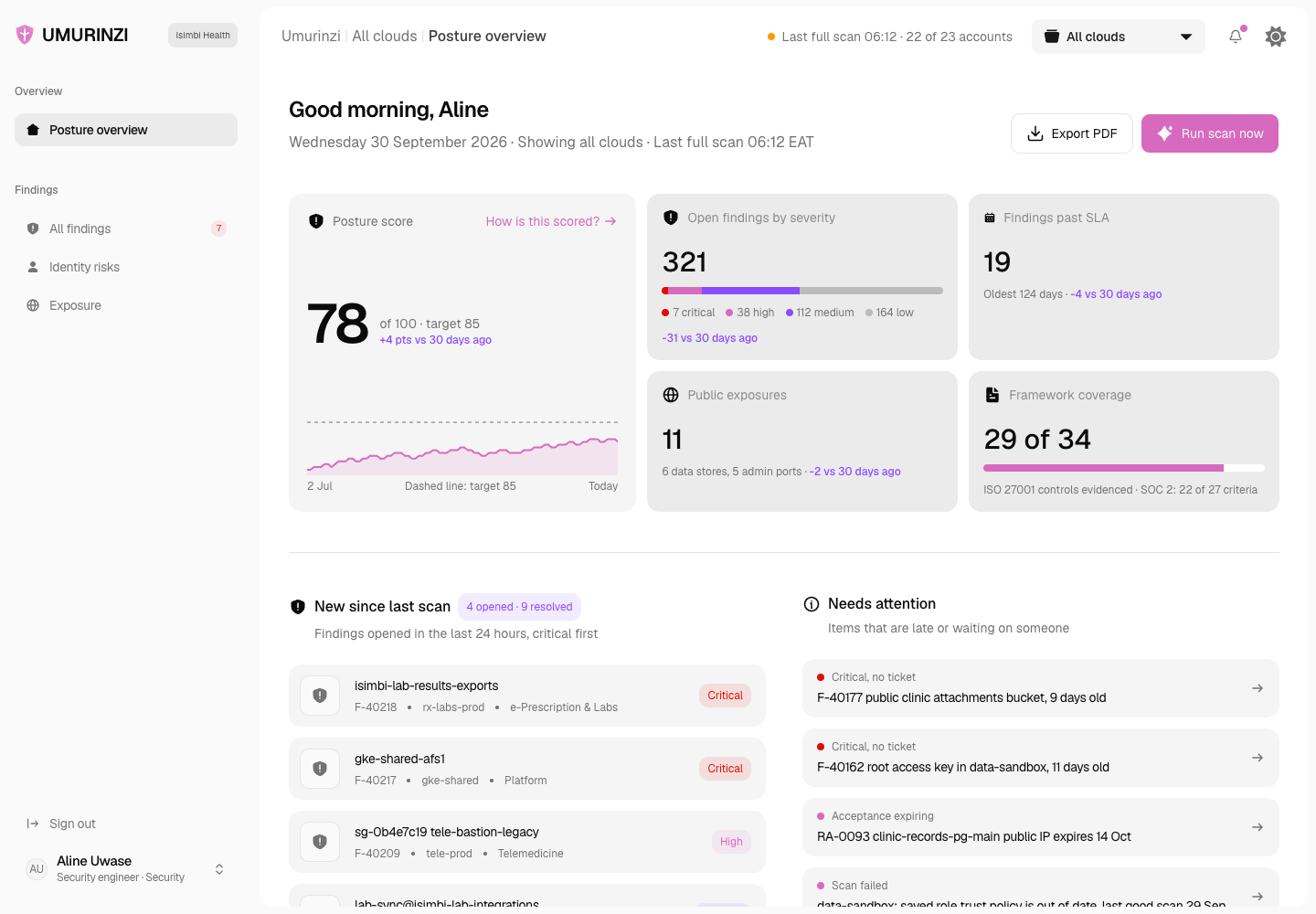
Umurinzi - Cloud Security Posture and Control Mapping Dashboard
Designed and built a clickable cloud security posture dashboard for a Kigali healthtech on AWS and Google Cloud: one findings queue checked against the CIS Benchmarks, identity risks and internet exposure in one view, every check mapped to ISO 27001 and SOC 2 controls, and a residency check for Rwandan patient data.
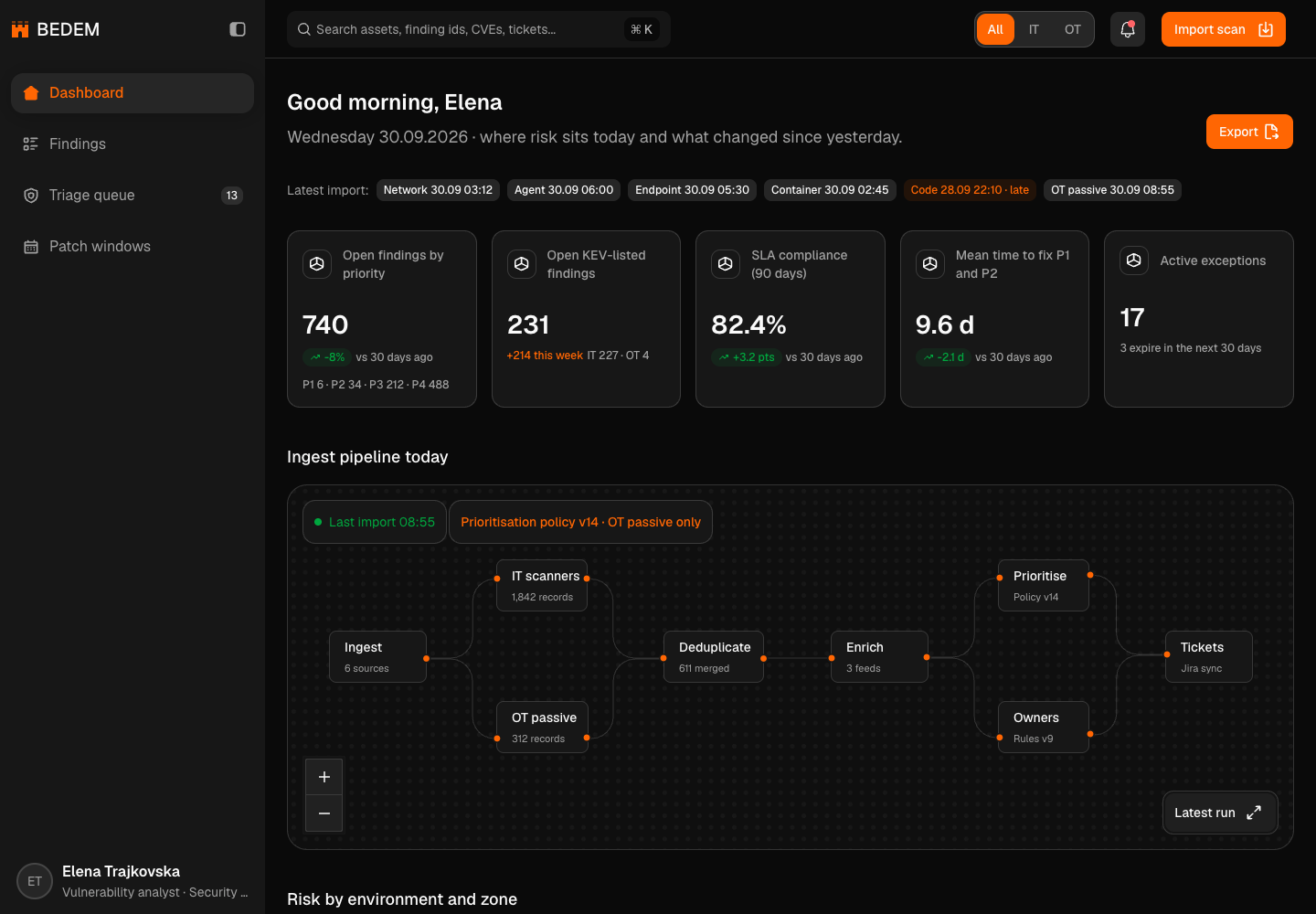
Bedem - Vulnerability Management Across Corporate IT and Substation OT
Designed and built a clickable vulnerability management platform for a Skopje electricity distribution operator: scanner findings merged into one list, ranked by real-world risk, triaged to owner teams with SLA dates, and OT fixes planned into maintenance outages - with substations assessed passively, never scanned.
Enterprise Software Engineering - Human + AI
Contact Us
© 2026 - Copyright. All Rights reserved Oceanlab
Location
Global Headquarters
21 Merchant Road, 3rd Floor, Singapore 058267
Main corporate office and leadership operations
North America Office
548 Market Street, PMB 12345, San Francisco, CA 94104
Client operations and business development
India Office
402 Shivalik Shilp II, SG Highway, Ahmedabad 380015
Engineering and delivery center

Enterprise Software Engineering - Human + AI
Contact Us
Locations
Global Headquarters
21 Merchant Road, 3rd Floor, Singapore 058267
Main corporate office and leadership operations
North America Office
548 Market Street, PMB 12345, San Francisco, CA 94104
Client operations and business development
India Office
402 Shivalik Shilp II, SG Highway, Ahmedabad 380015
Engineering and delivery center
© 2026 - Copyright. All Rights reserved Oceanlab